How to Build a Winning Competitor Ad Swipe File
Stop drowning in screenshots. Learn a systematic process to save, organize, and analyze competitor ad creatives to build more effective marketing campaigns.
Last updated:
March 5, 2026

Stop drowning in screenshots. Learn a systematic process to save, organize, and analyze competitor ad creatives to build more effective marketing campaigns.
Last updated:
March 5, 2026
You've seen a brilliant competitor ad, taken a quick screenshot, and then lost it on your desktop forever. If your "inspiration" folder is a graveyard of untitled files, you're not alone. We can all picture that moment: scrolling through a feed, spotting a clever campaign, and making a mental note to analyze it later, only for that note to vanish into the digital ether.
This common frustration stems from treating inspiration as a passive activity. The solution is to build a competitor ad swipe file, but not just another folder. Think of it as a structured, strategic asset for active competitive intelligence. It’s the difference between hoarding random images and building a searchable library of your competitors' best moves.
This guide will show you exactly how to save competitor ad creatives effectively. We will walk through capturing the full context of an ad, choosing the right tools for the job, creating a smart organization system, and integrating this powerful resource directly into your campaign workflow. By the end, you'll have a clear plan to turn that chaotic folder into your secret weapon for building more effective campaigns.
A single screenshot of an ad is like having one page from a book. It’s pretty, but it tells you almost nothing about the story. To truly understand a competitor's strategy, you need to capture the entire ad package. A static image misses the persuasive copy, the compelling call to action, and, most importantly, the journey the customer takes after they click.
Meaningful competitor ad analysis requires a complete record. The next time you find an ad worth saving, make sure you capture these five essential components:
Capturing this entire "ad package" is what allows you to deconstruct a competitor's strategy, not just admire their visuals. This comprehensive data forms the foundation for the powerful organization and analysis we'll discuss next.

Many marketers start by saving ads into local folders on their computers. While simple, this method quickly becomes a bottleneck. These folders are difficult to search, impossible to access on the go, and offer no way to visually scan your collection. As your swipe file grows, finding that one specific ad you saved three months ago becomes a frustrating treasure hunt.
While automated tools like ad library scrapers can export bulk data, they often lack the curated, high-quality focus needed for creative analysis. For building a strategic swipe file, visual bookmarking tools offer a far more effective solution. This is where a tool like Bookmarkify becomes essential. Instead of just saving a URL, you can capture a full-page screenshot, save specific images from the ad or landing page with a simple right-click, and add notes, all in one place.
The benefits of using a cloud-based, visual-first tool are immediate. You can organize everything with tags, letting you filter your collection in seconds. You can switch between different layout views to scan creatives like a mood board, helping you spot visual trends at a glance. Furthermore, you can improve collaboration on campaign concepts by sharing curated collections with your team via a simple link. This approach transforms your collection from a private folder into a shared intelligence hub.
Of course, visual bookmarking is one part of a larger ecosystem. While it helps you organize the creative front-end, other specialized trackable marketing tools exist to provide deeper analytics on campaign performance, giving you a more complete picture of a competitor's strategy from click to conversion.
A pile of ads, even when beautifully organized, is useless if you can't find what you need when you need it. This is where a taxonomy comes in. Think of it as the brain of your swipe file, a system of classification that turns your collection into a searchable database. Without it, you're just a digital hoarder.
The most practical approach is to use a combination of folders and tags. You might create folders for each main competitor, but the real power comes from a detailed tagging system. This is how to build a swipe file that actually works for you. A robust taxonomy allows you to ask specific questions of your collection. For example, a marketer could instantly filter for all "Video Ads" from "Competitor A" that use a "Testimonial" angle for a "Lead Gen" campaign.
This system transforms your swipe file from a passive archive into an active analytical tool. Here is a sample framework to get you started:
| Category | Example Tags | Purpose |
|---|---|---|
| Ad Format | Video Ad, Carousel, Static Image, Story Ad | Filter by the creative's medium to analyze format trends. |
| Platform | Facebook, Instagram, TikTok, LinkedIn, Pinterest | Track which platforms competitors are prioritizing. |
| Campaign Objective | Lead Gen, Brand Awareness, E-commerce Sale, App Install | Understand the strategic goal behind the ad. |
| Offer Type | Discount, Free Trial, Webinar, Ebook, Contest | Identify the incentives competitors use to drive action. |
| Creative Angle | UGC, Testimonial, Problem/Solution, How-To, Humour | Deconstruct the narrative and creative approach. |
| Hook Type | Question, Statistic, Bold Statement, Story Hook | Analyze how they capture attention in the first 3 seconds. |
Combining these categories allows for highly specific searches. You are no longer just browsing; you are conducting targeted research to inform your next campaign.
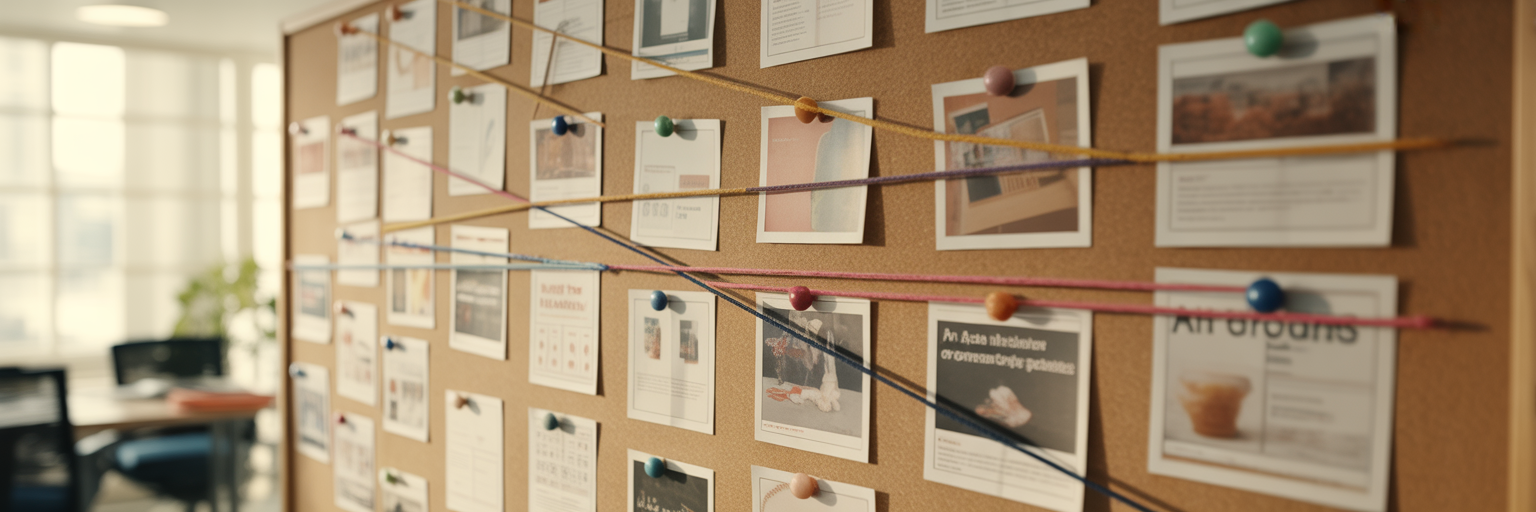
With a well-organized swipe file, the focus shifts from collection to analysis. The goal is not to copy your competitors but to understand the "why" behind their successful ads. What recurring messaging themes do you see? Are they using consistent visual branding? What kind of CTAs do they prefer for different offers?
For any ad in your collection, ask yourself these three simple questions to guide your analysis:
By reviewing ads collected over several months, you can spot strategic shifts. Did a competitor pivot from brand awareness to aggressive lead generation? Have they started using more user-generated content? These trends are invaluable. As highlighted in an AdLude guide on analyzing Meta ads, breaking down the entire funnel from hook to conversion is key. A comprehensive swipe file makes this practice possible. Just as our daily creative inspiration feed can spark new ideas, a well-analyzed swipe file offers targeted insights to fuel your own brand's growth and help you organize marketing inspiration with purpose.
The most brilliant swipe file is worthless if it sits forgotten in a browser tab. To get real value, you must integrate it into your day-to-day tasks. This is what separates a hobby from a professional system. A well-maintained digital marketing swipe file should be an active part of your campaign workflow, not a dusty archive.
Here’s how to make it an indispensable tool at every stage:
By embedding this resource into your process, the swipe file becomes a living tool that actively contributes to smarter, more effective marketing.
A competitor ad swipe file, when built with intention, is far more than an inspiration folder. It is a dynamic strategic tool that empowers you to understand the market, refine your messaging, and create more resonant campaigns. It moves you from being reactive and disorganized to proactive and strategic.
By following a clear process, you can build an invaluable asset. To recap the key steps:
Stop letting great ideas get lost in messy folders and untitled screenshots. It's time to take control of your competitive research. Start building your visual library with Bookmarkify today and turn random inspiration into your greatest strategic advantage.

Ivan S
Lead Marketing Designer @Scribe, Founder @bookmarkify

Effortlessly Save time and stay Inspired: Streamline your workflow with Bookmarkify. No more juggling 10 tabs and screenshots.