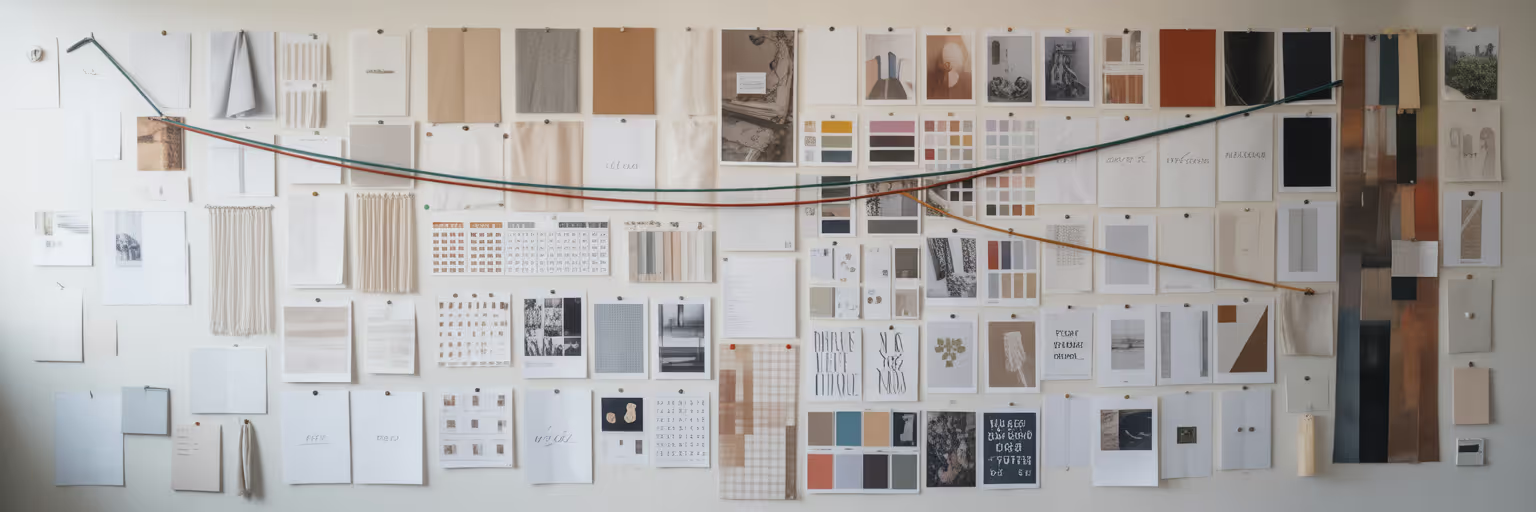
How to Create a Searchable Moodboard for Client Presentations in 2026
Learn to build a strategic, searchable moodboard for 2026. Go beyond simple collages and use advanced organization and AI tools to win client buy-in.
Last updated:
March 5, 2026

Learn to build a strategic, searchable moodboard for 2026. Go beyond simple collages and use advanced organization and AI tools to win client buy-in.
Last updated:
March 5, 2026
We can all picture that moment: you present a moodboard you poured hours into, only to be met with polite nods and a vague, "I'm not sure." That feeling of disconnect often comes from a fundamental misunderstanding of the moodboard's role. By 2026, it’s no longer just a collage of pretty pictures. It’s a strategic communication tool.
The most effective moodboards are now dynamic, queryable systems that align creative vision with project goals from the very first meeting. Think about the difference. The old way involved sending a static PDF, which often led to ambiguous feedback and frustrating revision cycles. The new approach is interactive. Imagine a client questioning a specific direction. Instead of fumbling for an explanation, you simply filter your board to show all examples of "dark mode UI" or "minimalist typography," instantly justifying your choices with curated evidence.
This shift toward searchability is the critical evolution of the moodboard. It transforms your presentation from a subjective pitch into a collaborative working session. These improved client presentation design tips are not just about showing visuals; they are about building a shared understanding with your client. When you adopt this method, it improves your entire creative process, making you a more confident and strategic partner.
To get there, you need a new workflow. This guide will walk you through the essential steps: strategic collection, intelligent organization, modern tooling, and a presentation method that secures confident client buy-in.
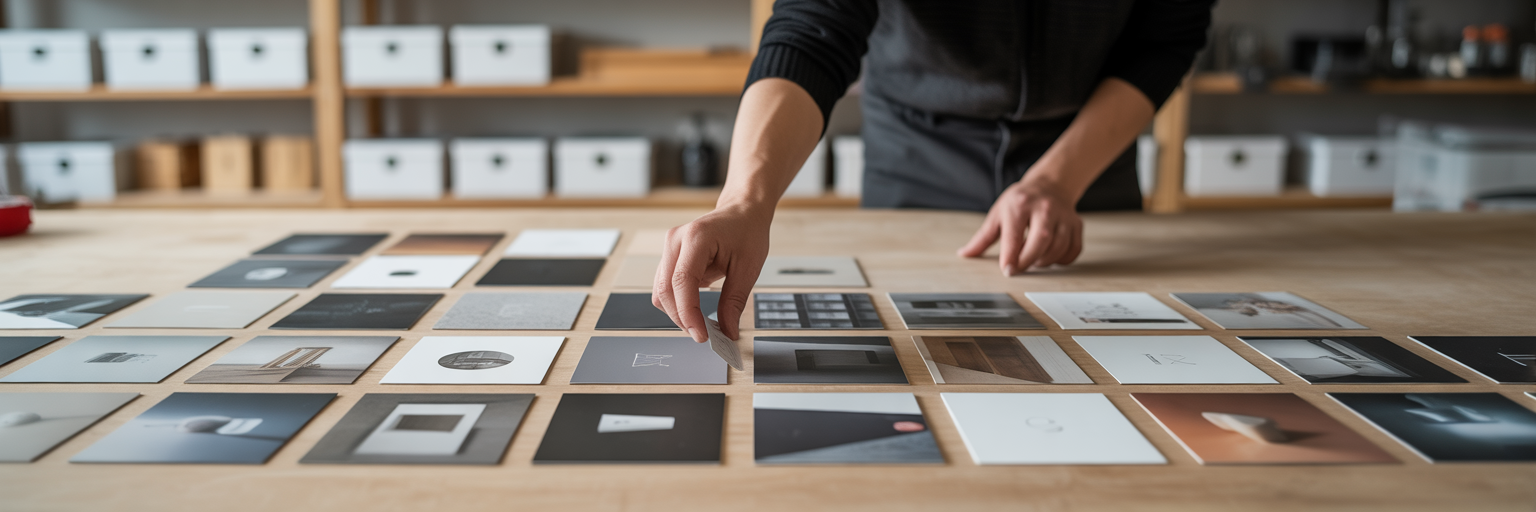
A powerful searchable moodboard begins long before you arrange a single image. It starts with disciplined curation, not a frantic, last-minute scramble for inspiration. The quality of your final presentation is directly tied to the thoughtfulness of your collection process.
Before you save anything, pause. What is the core message, emotion, or function this project needs to communicate? Are you aiming for "trusted and professional" or "playful and energetic"? Defining this north star prevents the common pitfall of the "inspiration dump," where you end up with a beautiful but strategically irrelevant collection of visuals.
With your objective clear, you can gather assets with purpose. Modern visual bookmarking for designers allows you to save full-page screenshots, specific UI elements, and high-resolution images directly from the web without cluttering your hard drive. Instead of just grabbing anything that looks good, focus on collecting specific examples that serve your goal. When you're stuck, a great starting point is finding high-quality design inspiration from curated sources.
Your collection should include a variety of asset types:
Resist the urge to hoard hundreds of mediocre visuals. A focused collection of 20 to 30 core assets, each serving a specific purpose, is far more powerful. As you save each piece, get into the habit of noting why you saved it. Is it for the button style, the headline font, or the overall emotional tone? This simple annotation is the first step toward effective design inspiration organization.
Here is where your collection transforms from a folder of images into a functional database. This architectural work is what makes your moodboard truly searchable and responsive during a client meeting. It requires discipline, but the payoff in efficiency and clarity is immense.
Simple tags like "blue" or "UI" are not enough. You need a structured tagging system that acts as a powerful filtering language. A great framework to adopt is [Project Phase]-[Asset Type]-[Attribute]. For example, a tag like Discovery-UI-Pattern-Darkmode tells you exactly what an asset is and its purpose. Another, like Concept-Typography-Serif-Bold, lets you instantly find all bold serif options for the concepting phase.
Alongside your tags, create parent collections for different design pillars. Group your assets into thematic buckets like "Typography," "Color Palette," "Photography Style," and "UI Components." This structure allows you to guide the client through your thinking at a high level ("Here's our approach to color") before diving into granular details.
Consistency is what holds this entire system together. It’s the difference between a messy folder and a professional database. A robust visual bookmarking platform with multiple view modes helps you see your system at a glance, whether in a grid for a quick overview or fullscreen to present a single concept. While this setup requires an initial time investment, it saves countless hours in revisions. It’s the most direct answer to how to create a moodboard that works for you, not against you.
| Asset Example | Simple Tag (The Old Way) | Strategic Tag (The New Way) | Rationale |
|---|---|---|---|
| Screenshot of a SaaS dashboard | dashboard, ui, blue | Discovery-UI-Pattern-Dashboard | Identifies the project phase and asset type for precise filtering. |
| Image of a bold, serif headline | font, typography | Concept-Typography-Serif-Bold | Specifies the asset's style and weight for targeted searches. |
| Photo of a sunlit forest | nature, green, light | Mood-Photography-Natural-Light | Captures the emotional mood and specific visual attribute. |
| A well-designed checkout button | button, cta | Execution-Component-CTA-Primary | Defines the asset's role in the user flow for component-level review. |
Note: This tagging structure is designed for scalability. It allows you to filter visuals not just by what they are, but by their strategic purpose within the project lifecycle.

Once your manual system is in place, technology can help you work smarter, not harder. Modern tools are designed to automate the heavy lifting of organization, freeing you up to focus on creative strategy. Some platforms now use AI to analyze your existing collection and suggest thematically consistent new images, helping you fill creative gaps you might not have noticed.
Imagine tools that automatically analyze and tag a saved website, identifying its primary colors, fonts, and even labeling it as a "minimalist landing page." This automation turns hours of manual work into a background process. Some advanced tools even offer Design Analysis features, which let you inspect a saved website's design system directly from your bookmark. This turns a piece of inspiration into a deconstructable lesson by pulling its exact color palette, font families, and image assets for your review. The ecosystem of digital organization is constantly growing, with some platforms offering what Autonix demonstrates with their customizable tracking features to monitor how assets are used or shared. As an actionable tip, try feeding a core concept image into an AI generator and asking for variations in different color schemes to quickly build out a comprehensive visual exploration for your client.
All your preparation culminates in the client presentation. This is where your searchable system proves its worth, transforming you from a simple vendor into a trusted strategic partner. Instead of just clicking through slides, you will narrate a story that connects the project's goals to your proposed visual solution, using your curated assets as undeniable evidence.
Follow this flow for a presentation that builds confidence:
After the meeting, avoid sending a static PDF. Instead, empower your client by sharing collections with a simple link to the live, interactive moodboard. This allows them to continue exploring the ideas on their own time. Ultimately, a searchable moodboard for clients is not just about better organization. It's about building trust, demonstrating expertise, and making your creative vision impossible to ignore.

Ivan S
Lead Marketing Designer @Scribe, Founder @bookmarkify

Effortlessly Save time and stay Inspired: Streamline your workflow with Bookmarkify. No more juggling 10 tabs and screenshots.