

Top Responsive Design Best Practices for 2025
Discover effective responsive design best practices to create adaptable, user-friendly websites that enhance user experience in 2025 and beyond.
Last updated:
February 21, 2026
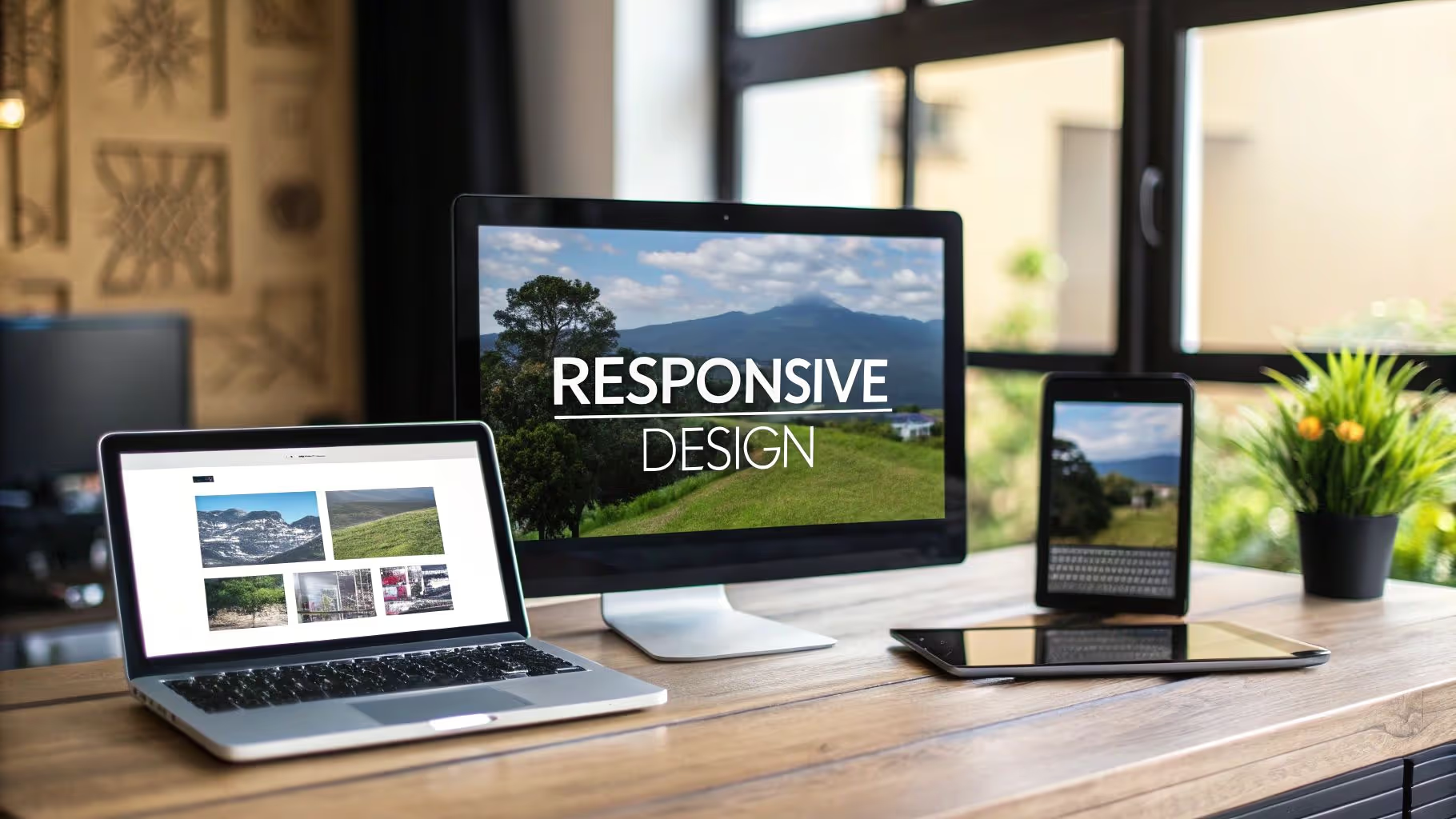
Discover effective responsive design best practices to create adaptable, user-friendly websites that enhance user experience in 2025 and beyond.
Last updated:
February 21, 2026
Users expect websites to work perfectly on any device. This listicle presents eight responsive design best practices to help you create websites that look great and function seamlessly. Learn how to implement a mobile-first approach, fluid grids, flexible images, strategic breakpoints, performance optimization, touch-friendly interfaces, progressive enhancement, and consistent navigation patterns.
In the world of responsive design best practices, the mobile-first approach reigns supreme. This method involves designing for the smallest screen first, such as a smartphone, and then progressively enhancing the design and adding features for larger screens like tablets and desktops. This ensures that the core content and functionality are optimized for mobile users, who now represent a significant portion of web traffic. Pairing mobile-first thinking with strong visual hierarchy in design ensures your layouts communicate clearly at every size.
By starting with mobile constraints, you prioritize essential content and features, leading to a cleaner and more efficient design. This approach also tends to result in better performance, as you're not loading unnecessary assets for mobile users. Furthermore, mobile-first design aligns with Google's mobile-first indexing, which can positively impact your search engine rankings.
The mobile-first approach requires a shift in mindset. Instead of starting with a desktop layout and then trying to squeeze it onto a smaller screen, you start with a single-column layout and then add complexity as the screen size increases. This results in a more natural and intuitive experience for mobile users, and a more structured and organized approach to responsive design overall.
Fluid grid layouts are the foundation of responsive design. Unlike fixed-width layouts that specify exact pixel dimensions for each element, fluid grids use relative units like percentages to define widths. This allows elements to scale proportionally as the screen size changes, creating a flexible and adaptable layout that works across a wide range of devices.
Implementing fluid grids typically involves using CSS frameworks like Bootstrap or Foundation, or building your own grid system using CSS Grid or Flexbox. These technologies provide powerful tools for creating flexible, multi-column layouts that adapt gracefully to different screen sizes. Understanding how to use these tools effectively is essential for any web developer working on responsive design projects.
The key advantage of fluid grids is their ability to create a consistent visual rhythm and structure across different devices. By defining columns and gutters using percentages, you can ensure that your layout maintains its proportional relationships as the screen size changes, creating a visually harmonious and balanced design on all devices.
Images and other media can quickly break a responsive layout if they're not handled correctly. Flexible images and media are designed to scale within their containing elements, preventing them from overflowing and disrupting the layout. This is achieved using CSS properties like max-width: 100%, which ensures that images never exceed the width of their parent container.
For more complex media like videos and iframes, the padding-top technique (also known as the "intrinsic ratio" technique) can be used to maintain the aspect ratio of the media as it scales. This involves wrapping the media in a container with a padding-top value equal to the desired aspect ratio (e.g., 56.25% for a 16:9 video), and then absolutely positioning the media within the container.
Modern web development also involves the use of responsive image techniques like srcset and sizes attributes, or the <picture> element. These techniques allow you to serve different image sizes to different devices, optimizing performance and ensuring that users always see the most appropriate image for their screen size and resolution.
Breakpoints are the specific screen widths at which your responsive design changes its layout. Strategic breakpoints are defined based on your content and design, rather than on specific device sizes. This means you're designing for the content, not the device, which leads to a more flexible and future-proof responsive design.
A common approach is to start with a single-column layout for mobile devices, then add breakpoints as the screen width increases to accommodate multi-column layouts for tablets and desktops. The specific breakpoints you choose will depend on your content and design, but common breakpoints in 2026 include: 480px (small mobile), 768px (tablet), 1024px (desktop), and 1200px (large desktop).
When defining breakpoints, it's important to consider the content and not just the device. Look for points where your layout starts to break or look awkward, and add breakpoints at those points. This approach ensures that your design adapts gracefully to all screen sizes, not just the most common ones.
Performance is a critical aspect of responsive design. Slow loading times can significantly impact user experience and search engine rankings. Bookmark the best design tools for 2026 to speed up your optimization workflow. Optimizing performance for responsive websites involves minimizing HTTP requests, compressing images, leveraging browser caching, and using a content delivery network (CDN).
Minimizing HTTP requests involves combining multiple CSS and JavaScript files into single files, using CSS sprites for small images, and inlining critical CSS. Compressing images involves using appropriate image formats (JPEG for photographs, PNG for graphics with transparency, SVG for icons and illustrations) and optimizing image file sizes without sacrificing quality.
Leveraging browser caching involves setting appropriate cache headers for your static assets, allowing browsers to store these assets locally and avoid re-downloading them on subsequent page loads. Using a CDN involves distributing your content across multiple servers around the world, reducing latency and improving loading times for users in different geographic locations.
With the prevalence of touch-screen devices, designing touch-friendly interfaces is an essential responsive design best practice. Touch-friendly interfaces have larger tap targets, clear visual feedback for touch interactions, and avoid hover-dependent interactions that don't translate well to touch screens.
Minimum tap target sizes of 44x44 pixels (as recommended by Apple) or 48x48 dp (as recommended by Google) ensure that users can easily tap interactive elements without accidentally activating adjacent elements. Clear visual feedback, such as a color change or animation, confirms that a touch interaction has been registered, improving usability and reducing frustration.
Avoiding hover-dependent interactions is crucial for touch-screen usability. Hover states, which are triggered by a mouse cursor hovering over an element, are not supported on touch screens. Instead, design interactions that work with touch events, such as tap, swipe, and pinch-to-zoom. This ensures that your interface is usable and enjoyable on all devices, regardless of input method.
Progressive enhancement is a design philosophy that involves starting with a solid, functional foundation and then adding layers of complexity and visual richness for browsers and devices that support them. This ensures that all users can access the core content and functionality of your website, regardless of their browser, device, or network connection.
A progressively enhanced website starts with a semantic HTML structure that provides the core content and functionality. CSS is then used to add visual styling and layout, with more advanced CSS features used for browsers that support them. JavaScript is added last, enhancing the user experience with interactive features and animations, but never required for accessing the core content.
Progressive enhancement aligns well with the principles of accessibility and inclusive design. By ensuring that the core functionality is available to all users, you're creating a more equitable and accessible web experience. This approach also tends to result in more resilient and maintainable code, as the core functionality is not dependent on specific browser features or JavaScript availability.
Consistent navigation patterns are essential for a good user experience on responsive websites. For UI design inspiration that pairs well with strong navigation, our UI design inspiration roundup is a useful reference. Users should be able to easily find their way around your website, regardless of the device they're using. This requires designing navigation patterns that are both intuitive and adaptable to different screen sizes.
On mobile devices, navigation is often hidden behind a hamburger menu icon to save screen space. When the hamburger icon is tapped, a slide-out menu or a full-screen overlay reveals the navigation options. This pattern is widely recognized and understood by mobile users, making it a reliable choice for mobile navigation.
On larger screens, navigation is typically displayed in a horizontal menu bar at the top of the page. This provides easy access to all navigation options without requiring any interaction. For websites with complex navigation structures, dropdown menus or mega-menus can be used to organize navigation options into logical groups, improving usability and discoverability.
| Best Practice | Key Benefit | Implementation Complexity | Impact on UX | SEO Impact |
|---|---|---|---|---|
| Mobile-First | Optimized for mobile traffic | Medium | High | High (Google's preference) |
| Fluid Grids | Flexible layouts across devices | Medium | High | Medium |
| Flexible Images | Prevents layout breakage | Low | Medium | Medium |
| Strategic Breakpoints | Content-driven layout shifts | Medium | High | Medium |
| Performance Optimization | Faster load times | High | High | High (Core Web Vitals) |
| Touch-Friendly UI | Better mobile usability | Medium | High | Medium |
| Progressive Enhancement | Accessible to all users | High | Medium | Medium |
| Consistent Navigation | Intuitive cross-device UX | Medium | High | Low |
Responsive design is an ongoing journey, not a one-time destination. As new devices and screen sizes emerge, and as user expectations continue to evolve, it's essential to stay up-to-date with the latest responsive design best practices and techniques. Regularly testing your designs on a wide range of devices, gathering user feedback, and iterating on your design are all crucial for maintaining a high-quality responsive web experience.
By mastering these eight responsive design best practices, you're well-equipped to create websites that not only look great on any device but also provide a seamless, intuitive, and enjoyable user experience. Remember, the ultimate goal of responsive design is to ensure that every user, regardless of their device or context, can access and engage with your content effectively.
Keep your responsive design knowledge organized and accessible with Bookmarkify. Save your favorite resources, tutorials, and inspiration directly in the browser, and access them whenever you need a creative boost or a quick reference. Bookmarkify makes it easy to build and maintain a personal library of design knowledge, helping you stay on top of the latest trends and best practices in responsive web design.
Mobile-first design is consistently cited as the most critical practice. It forces you to prioritize content and functionality by designing for the smallest screen first, then progressively enhancing for larger viewports. This approach produces cleaner, faster, more focused layouts than trying to scale a desktop design down.
Common breakpoints in 2026 follow these approximate ranges: 320–480px (mobile portrait), 481–768px (mobile landscape / small tablet), 769–1024px (tablet), 1025–1200px (small desktop), and 1201px+ (large desktop). The best approach is to add breakpoints where your specific content breaks — not at arbitrary pixel values tied to specific devices.
Chrome DevTools' device emulation is a fast starting point, but it doesn't replicate real touch behavior or browser rendering differences. Supplement it with tools like BrowserStack for cross-device testing, and physically test on at least one real iOS and one Android device before shipping.
Yes, significantly. Google uses mobile-first indexing, meaning it primarily crawls and ranks your site based on the mobile version. A site that performs poorly on mobile — slow load times, broken layouts, unclickable elements — will rank lower even for desktop searches. Core Web Vitals (LCP, CLS, FID) are direct ranking signals tied directly to responsive performance.
Responsive design uses fluid CSS grids and media queries to smoothly adjust one layout across all screen sizes. Adaptive design serves distinct, pre-built layouts for specific screen size categories. Responsive is more flexible and easier to maintain; adaptive can be faster to load for specific devices but requires maintaining multiple templates. Most modern projects use responsive design.

Ivan S
Lead Marketing Designer @Scribe, Founder @bookmarkify

Effortlessly Save time and stay Inspired: Streamline your workflow with Bookmarkify. No more juggling 10 tabs and screenshots.



