

7 Mind Map Images & Templates for 2026
Explore 7 top-tier mind map images and templates for brainstorming, UX research, and project planning. Get inspired and learn how to organize your ideas.
Last updated:
April 23, 2026
Explore 7 top-tier mind map images and templates for brainstorming, UX research, and project planning. Get inspired and learn how to organize your ideas.
Last updated:
April 23, 2026
SEO Title: 7 Mind Map Images & Templates for 2026
Meta Description: Explore 7 top-tier mind map images and templates for brainstorming, UX research, and project planning. Get inspired and learn how to organize your ideas.
You open image search looking for a quick mind map reference before a workshop or deck. Twenty tabs later, you have a pile of examples that range from classroom diagrams to glossy templates built for a completely different job.
That usually points to a curation problem, not a drawing problem.
A useful product strategy map does not look like a useful research synthesis map. A workshop canvas should carry more motion and roughness than a client-facing image. If the style is wrong, the map can still be accurate and still fail to guide the room.
I treat mind map images as a reference library. Good examples help teams choose structure, density, and visual tone faster. Saved over time, they also become a working system you can reuse across kickoff sessions, UX research, planning docs, and presentation work. If your process already involves collecting references in tools built for infinite canvas visual organization, this approach fits naturally.
The format itself is older than the tools around it. Tony Buzan helped popularize modern mind mapping through Use Your Head, and the core mechanics still hold up: central idea, clear branching, selective emphasis, and enough spacing to keep the map readable. The software changed. The design judgment did not.
That is the lens for this guide. The goal is not only to show seven tools. It is to show seven distinct mind map image styles, then connect those examples to a practical workflow for collecting, sorting, and reusing inspiration instead of starting from scratch every time.
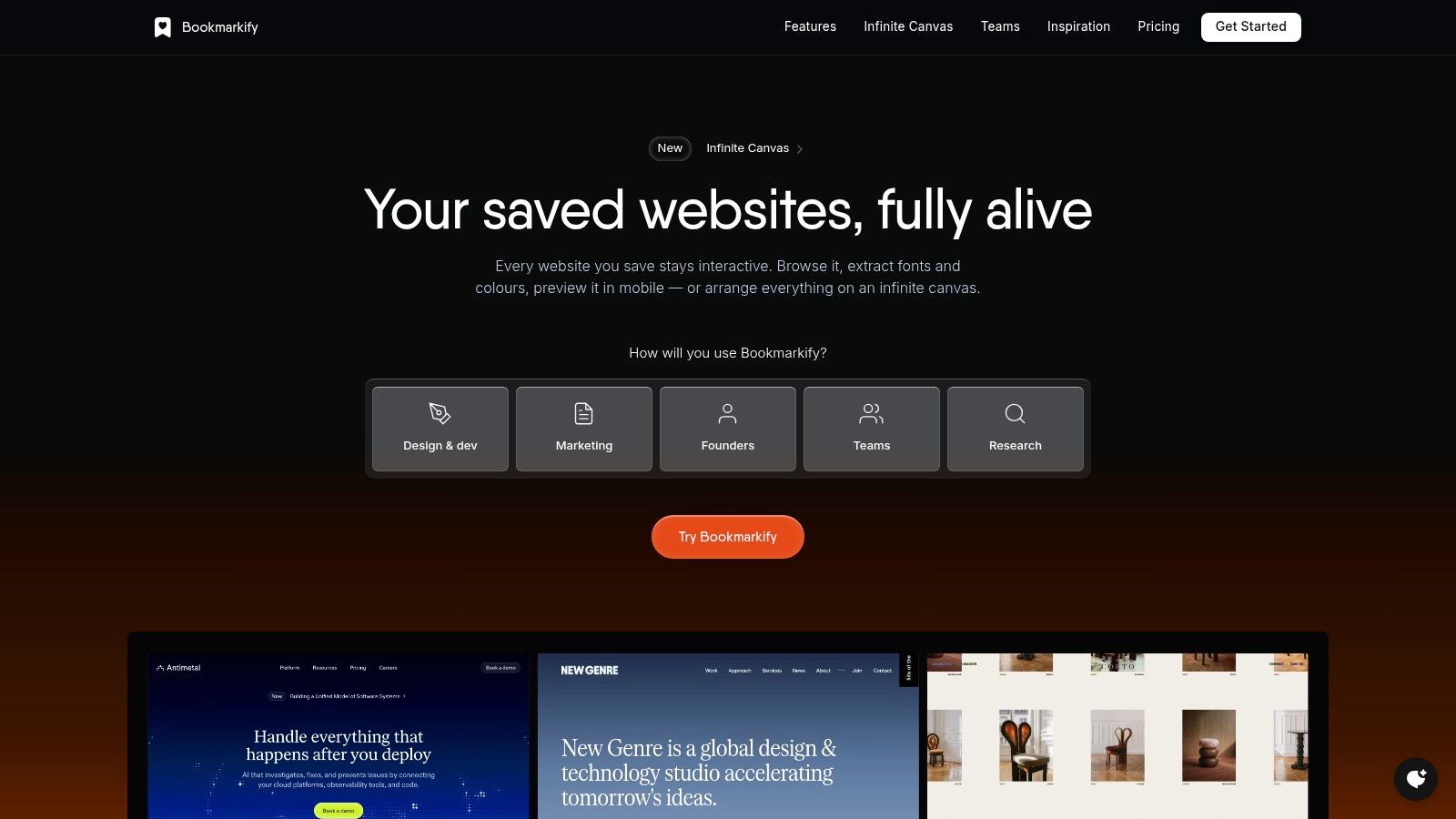
Miro works best when a mind map isn’t the final deliverable. It’s the starting layer inside a bigger board that also holds flows, sticky notes, screenshots, research clips, and decision paths. For product teams and agencies, that context is often more valuable than a standalone map.
This is the tool I’d reach for when the work is messy on purpose. Early discovery, kickoff workshops, competitor clustering, and content architecture all benefit from having the map sit next to related artifacts instead of being isolated in its own file.
Miro includes a built-in mind map shape, diagramming tools, a large template library on an infinite canvas, and exports boards or frames as image or document files. It also connects with tools teams already use, including Slack, Zoom, and Google Drive.
What makes Miro useful for mind map images is range. You can make a polished frame for export, then keep rough thinking around it on the same board. That’s ideal if you want one clean image for a deck and the surrounding working context for the team.
Practical rule: If your map needs to live beside research evidence, not just summarize it, Miro is a strong fit.
The trade-off is weight. If all you need is a simple mind map image, Miro can feel like opening a studio just to sketch a napkin idea. But if you already think spatially, or want your saved references to live on an infinite canvas workspace, this style of board feels natural.
A common review-room problem looks like this. The thinking is sound, the structure is there, but the exported map still reads like workshop output instead of a finished point of view. Xmind solves that problem well.
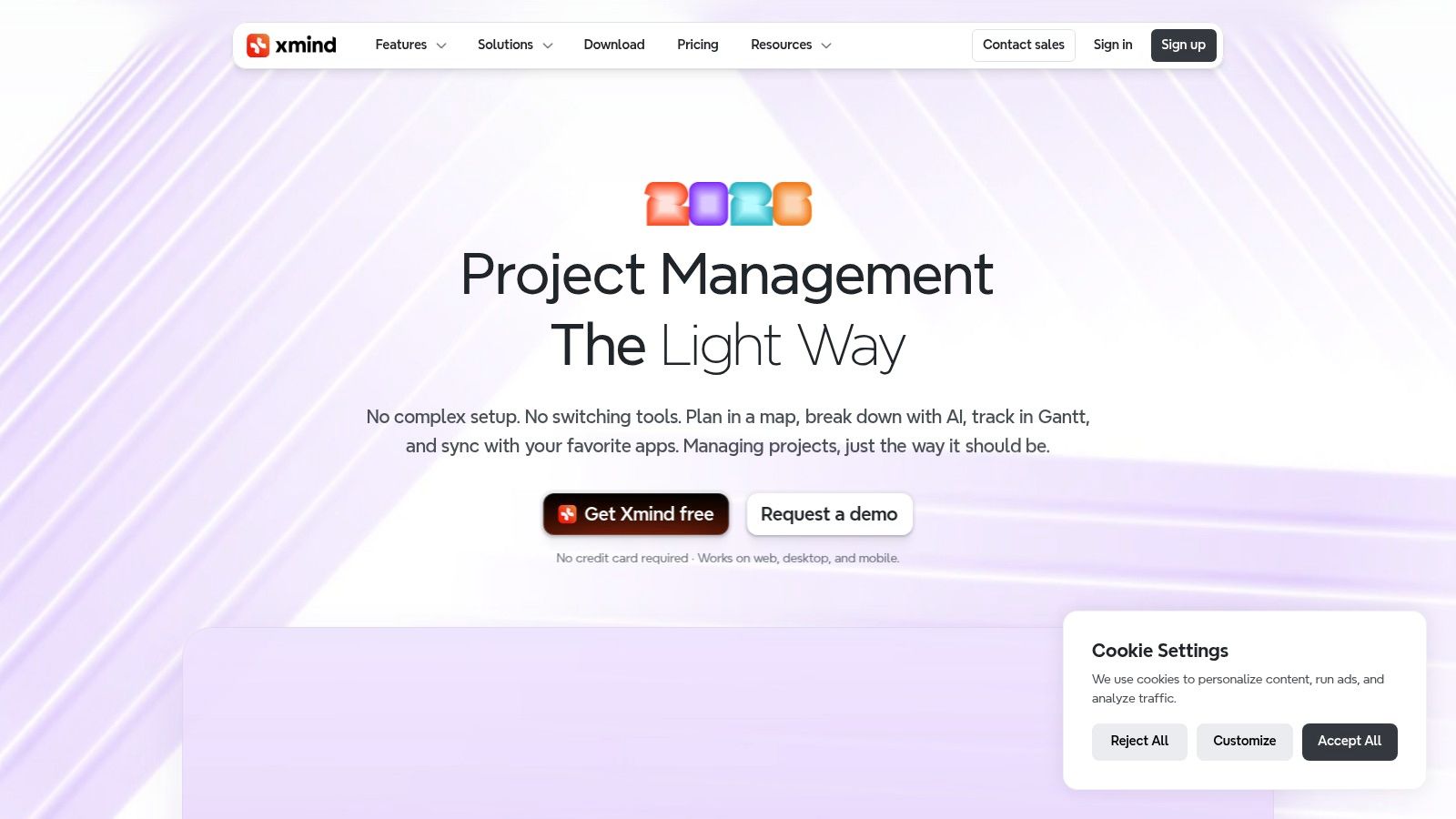
Xmind is built for maps that need visual control. The layouts feel tighter, the typography carries more of the load, and the result usually looks ready for a slide, memo, or strategy doc with less cleanup than a whiteboard tool.
That makes Xmind especially useful in a reference library of mind map images. I save Xmind examples when I want to study presentation style, not raw ideation. They are good benchmarks for executive summaries, training outlines, strategic options, content planning, and any case where the map itself needs to persuade, not just capture notes.
Xmind exports to PNG, SVG, PDF, Markdown, and Office formats. It also works across desktop and mobile, which helps if the first draft happens on a laptop and the final pass happens on a tablet before a meeting.
The bigger advantage is consistency. Xmind gives you cleaner default hierarchy, more controlled spacing, and themes that hold together without much repair work. That matters when you are building a swipe file of mind map images and want examples worth reusing later, not just screenshots of one-off sessions. If you already keep visual references for diagrams, flows, and UI patterns in a visual bookmark manager for designers, Xmind-style maps belong in that same system.
Good presentation maps remove friction between thinking and sharing.
The trade-off is real. Xmind is less flexible as an open exploration surface. It does not give you the same broad canvas behavior you get in Miro or Lucidspark, and that changes how you work. Use it when the map is the deliverable, the reference image, or the polished summary. Pick something looser when the map needs to sit inside a messier discovery process with notes, screenshots, and fragments around it.
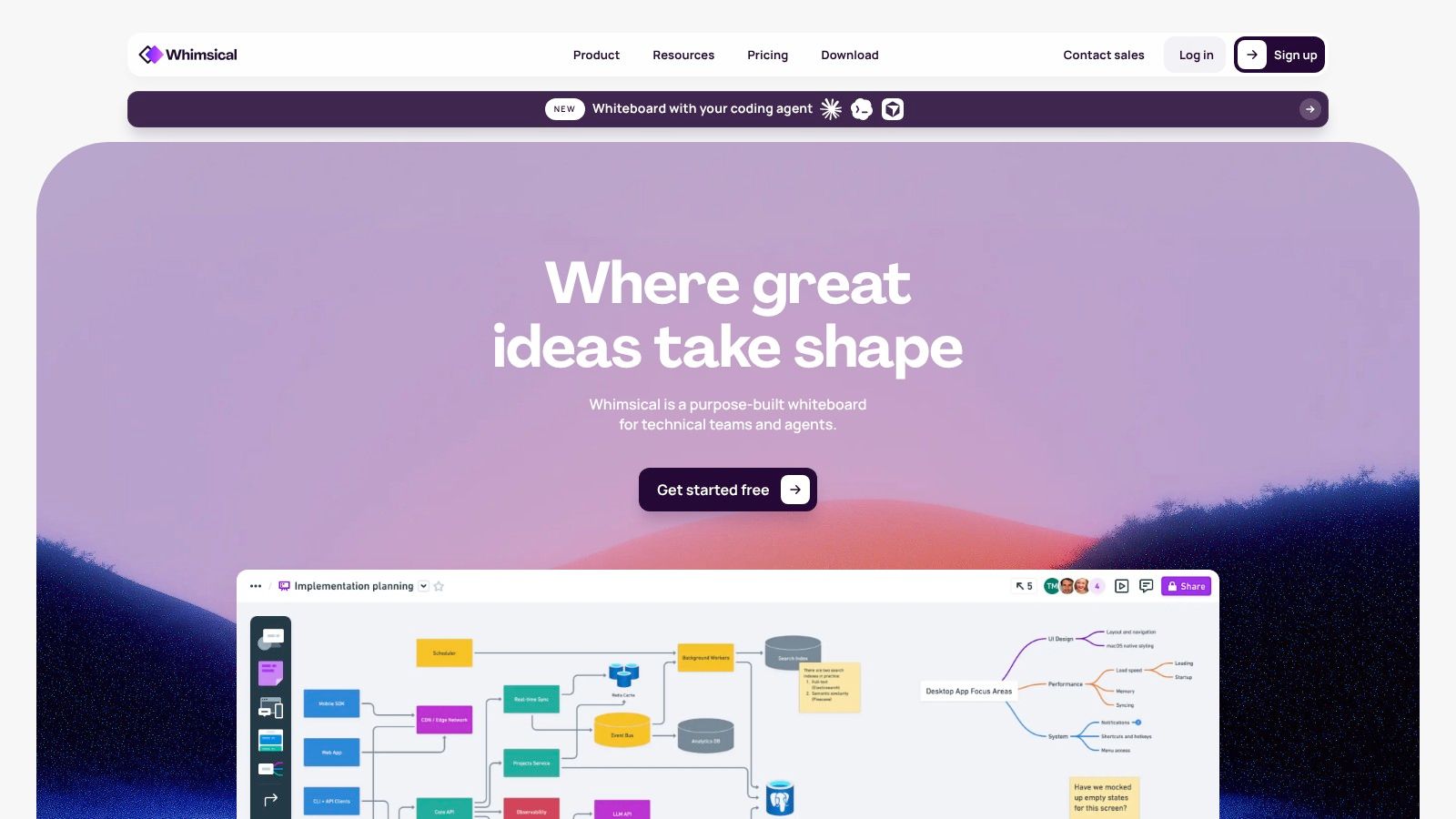
Whimsical feels like it was made by people who care about visual defaults. That sounds minor until you’ve spent too much time cleaning up ugly workshop outputs.
Its mind maps have a calm, product-design-friendly look. Nodes, spacing, and structure tend to land in a clean middle ground that works well for design reviews, IA sketches, lightweight planning, and concept expansion. It’s especially useful if you want mind map images that look presentable without heavy styling work.
Whimsical lets you export boards or selections as image or document files, and its keyboard-driven workflow is fast. That matters when you're trying to capture a thought before it turns into a formatting task.
This is one of the better tools for turning rough structure into a visual you can paste into docs, slides, or async updates without apology. It doesn’t look like a classroom worksheet, and it doesn’t look like a giant facilitation board either. It looks like product work.
A useful habit here is saving strong examples of structure, not just completed maps. If you’re building a swipe file of visual thinking patterns, Whimsical-style maps pair well with collections of wireframes, flows, and references like the ones covered in these visual bookmark managers for designers.
The limitation is depth of workshop tooling by plan. If your sessions depend on more facilitation mechanics, you may outgrow it. But for pure mind map images with good taste, Whimsical is easy to recommend.
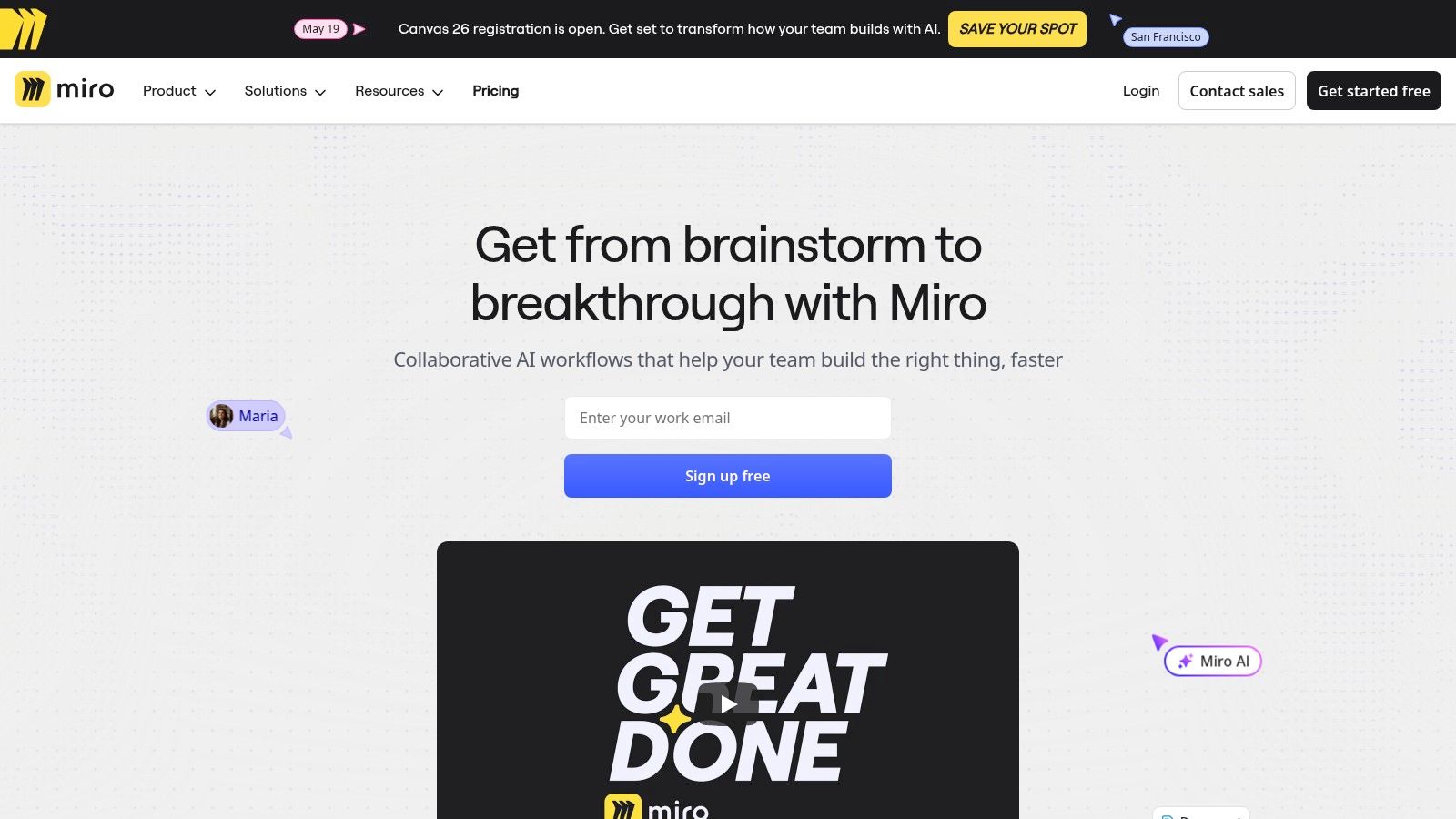
A common review problem looks like this. The team has a decent brainstorm, but the map still reads like raw notes, so nobody wants to assign work from it. MindMeister is built for that middle stage, where ideas need to stay visual while becoming specific enough to act on.
MindMeister keeps a tighter frame than whiteboard-first tools. That constraint helps. Branches stay legible, the browser workflow stays fast, and the surrounding task features push the map toward ownership, sequencing, and follow-up instead of endless expansion.
MindMeister exports maps as image or document files with control over size and aspect ratio. It also supports live collaboration, version history, presentation mode, and AI assistance for first-pass structure.
That mix makes it useful for building a reference library of mind map images, not just making one-off diagrams. I’d save examples from MindMeister when I want patterns for decision trees, project breakdowns, or scoped action plans. Those images tend to hold up because the structure is disciplined. You can revisit them later and still understand the intent.
The trade-off is clear. MindMeister is strong at focused planning, weaker at collage-style exploration with screenshots, sticky notes, and mixed media spread across a giant canvas. If your inspiration system includes both polished map examples and broader workshop references, it pairs well with a set of design collaboration tools for distributed teams rather than replacing them.
The strongest task maps answer practical questions fast. What needs an owner? What depends on another branch? Which node still hides an unresolved decision?
MindMeister has been around long enough to shape how browser-based mind mapping works, and that maturity shows in the basics. For readers building a swipe file of mind map styles, this is the example to keep for clarity, hierarchy, and action readiness.
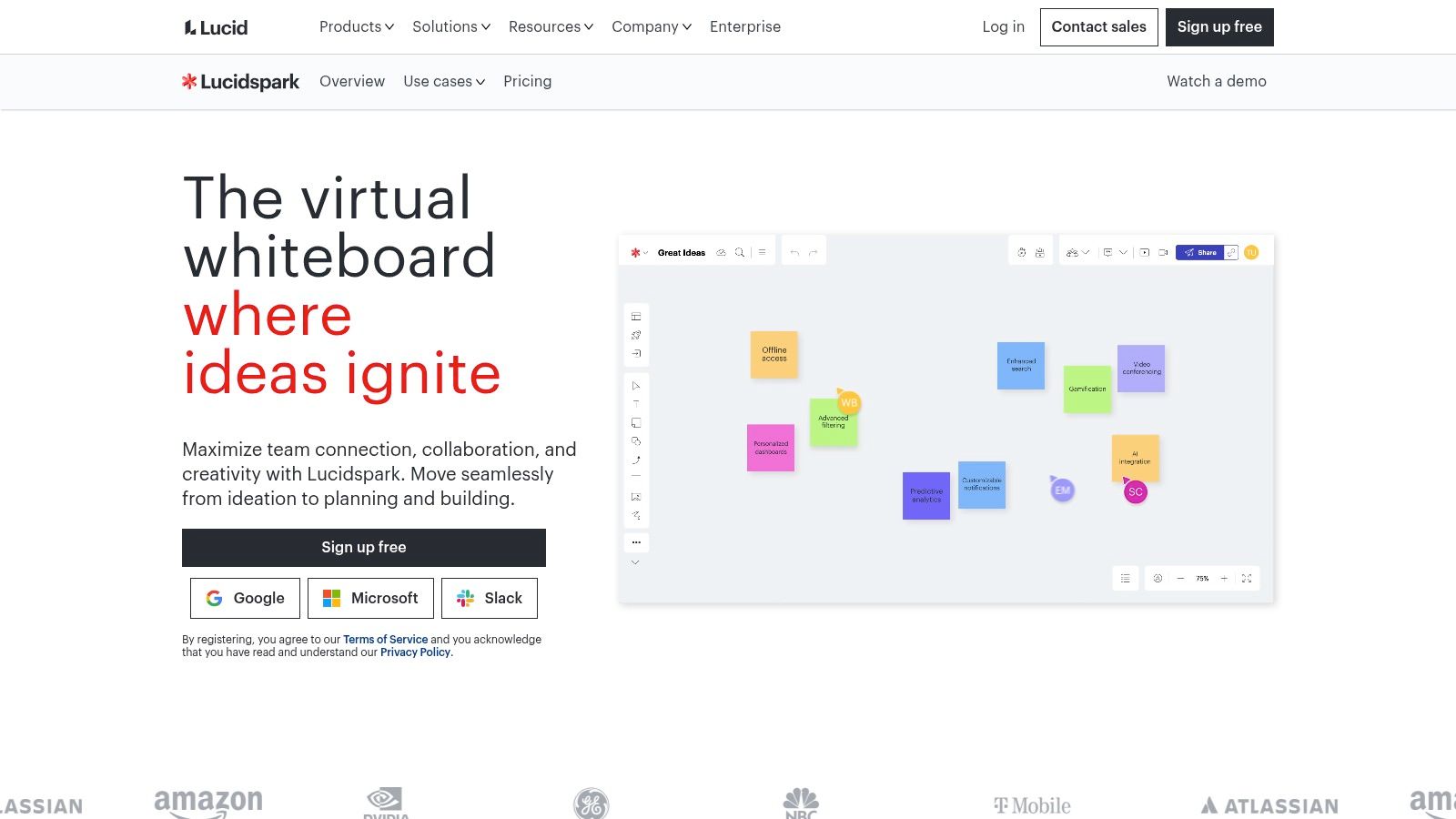
Lucidspark is for teams that need ideation without losing a path to structure. In larger organizations, that handoff matters more than people admit. Brainstorming is easy. Converting it into diagrams, decisions, and operational clarity is the hard part.
Lucidspark earns its place when the people in the room aren’t all designers. Product, operations, PMO, and leadership teams can use the same workspace style without much explanation. That makes the tool feel less niche than some dedicated mind mapping apps.
Lucidspark supports export to image, document, vector, and CSV outputs, and it interoperates with Lucidchart and the broader Lucid suite. It also includes mind mapping tools, templates, PDF and image import, and collaboration features aimed at larger teams.
If your team already works in process diagrams, system maps, or structured documentation, Lucidspark has a practical advantage. It can host the messy ideation phase without trapping the work there.
This is also where mind map examples stop being decorative and become operational. In a Practical Assessment, Research & Evaluation case study, mind mapping used as a real-time visual collection method reduced processing time by 75 percent and achieved 92 percent consensus on emergent themes among three independent reviewers, while enabling in-session summarization without transcription (PARE case study on mind mapping in evaluation). That kind of result helps explain why enterprise teams often prefer tools that connect brainstorming to structured follow-through.
For teams comparing broader collaboration setups, it also helps to look at related design collaboration tools.
The main drawback is complexity. Lucidspark makes the most sense when the organization will use its structure, exports, and suite connections. For a solo designer collecting style references, it may be more platform than you need.
Coggle is refreshingly simple. It doesn’t pretend to be a full creative operating system. It just helps you make clear, organic-looking maps quickly.
That makes it valuable in a list like this. Not every mind map image needs to be polished for stakeholders or embedded in a giant board. Sometimes you need speed, legibility, and a structure that still feels hand-drawn enough to encourage thinking rather than finality.
Coggle supports export to PNG, PDF, text outline formats, and FreeMind-compatible files. It also allows real-time collaboration through share links.
This is a good fit for students, solo researchers, content strategists, and small teams that want to externalize ideas without carrying a heavyweight workspace. It’s also a solid reference style if you’re collecting examples of more organic branch patterns instead of rigid corporate diagrams.
A different research case helps show why this kind of non-linear visual synthesis still matters. In a qualitative data analysis case study in the RGS-IBG journal, mind mapping used as a transcription-replacement technique for 18 semi-structured interviews cut processing time to 8 hours, improved inter-analyst agreement to 88 percent, and captured 22 percent more cross-theme relationships through explicit visual links (RGS-IBG case study on mind mapping in qualitative analysis).
Coggle’s narrower feature set is the trade-off. For a lightweight visual thinker, that’s a benefit. For an enterprise team, it may feel limiting.
A familiar problem shows up after a few workshops or research sprints. The team has plenty of mind map examples, but they are scattered across screenshots, Slack threads, browser tabs, and half-named folders. Good references disappear right when someone needs to compare styles for a kickoff, stakeholder deck, or synthesis session.
Bookmarkify belongs on this list because it solves that organization problem. It is less about drawing a fresh mind map and more about building a usable reference library of mind map images, source pages, and related visual material your team can return to.
That shift changes the job. Instead of hunting for a single "best" tool, you start collecting examples by purpose and visual style. In practice, that usually leads to better decisions. Teams can compare a dense research map against a cleaner presentation map, then choose a format that fits the audience instead of forcing every problem into the same diagram.
Bookmarkify centers on visual bookmarking. You can save pages, images, and videos, organize them with tags and folders, search them later, and arrange them on an infinite canvas or moodboard. For designers, strategists, marketers, and researchers who already collect references all day, that makes it easier to turn scattered inspiration into a working system.
For mind map images, the value is straightforward. Save examples from different tools, group them by use case, and annotate what makes each one effective. A clean radial layout might work for a workshop opener. A polished hierarchical map might be better for an executive review. A rougher, more organic structure can be useful when the goal is exploration rather than presentation.
Field note: A saved reference becomes useful only when the team records why it was saved.
That matters because image search around mind maps is still crowded with static stock results, while interactive references and live organizational workflows are harder to collect and compare in one place (gap analysis of static stock imagery versus interactive visual bookmarking).
The weak point in many reference libraries is not volume. It is missing judgment.
A stronger setup looks like this:
I have found that this kind of library gets more valuable over time, but only if the tagging stays disciplined. If everyone saves references without a structure, the board becomes another junk drawer. If the team agrees on a few practical categories, such as "client-ready," "internal synthesis," "fast brainstorm," and "teaching visual," the collection starts helping with real decisions.
Bookmarkify fits into that workflow by giving mind map images a home inside a broader inspiration system. That is a better use case than treating every reference as a disposable screenshot buried in a folder named "final-v2-real-final."
| Tool | Implementation complexity | Resource requirements | Expected outcomes | Ideal use cases | Key advantages |
|---|---|---|---|---|---|
| Miro's Collaborative Canvas Mind Map | Moderate–high (feature-rich board setup) | Team seats, paid tiers for advanced controls and integrations | Collaborative, multi-artifact mind maps with high-res exports | Cross-functional workshops, synthesis, live brainstorming | Infinite canvas, extensive templates, broad integrations, reliable exports |
| Xmind's Polished Presentation Map | Low–medium (installable clients or web) | Desktop/mobile clients; Premium for AI and real-time collaboration | Presentation-ready, high-quality raster & vector exports (PNG/SVG) | Formal presentations, client deliverables, polished reports | Excellent typography/themes, high-quality SVG export, refined layouts |
| Whimsical's Designer-Friendly Mind Map | Low (keyboard-first, minimal setup) | Browser-based; paid for some workshop features and AI quota | Clean, fast visual maps optimized for handoff as PNG/PDF | Early ideation, UX workshops, product brainstorming | Designer-friendly defaults, speedy workflow, easy frame exports |
| MindMeister's Focused Task Map | Low (simple browser UI) | Browser; paid plans for more maps/attachments and integrations | Readable, business-like maps that convert ideas into tasks | Project planning, meeting agendas, creating actionable backlogs | Tight MeisterTask integration, real-time collaboration, clear UI |
| Lucidspark's Enterprise-Ready Ideation Map | Medium–high (enterprise setup & integrations) | Paid tiers, SSO and admin controls, Lucid Suite interoperability | Structured ideation that feeds into formal diagrams and charts | Corporate brainstorming, process-driven teams, formal documentation | Strong exports/interoperability, enterprise compliance, Lucidchart flow |
| Coggle's Lightweight Organic Map | Very low (simple, fast interface) | Minimal requirements; affordable paid plan for unlimited diagrams | Quick, organic-looking maps for notes and study guides | Solo brainstorming, students, fast note-taking and exports | Speed, simplicity, affordability, auto-arranging organic branches |
| Bookmarkify | Low (extension + canvas organization) | Browser extension; Pro for advanced canvas features and unlimited items | Centralized, searchable library of mind-map images and visual inspiration | Building team swipe files, visual research libraries, organizing examples | One-click capture, infinite canvas, tags/search, shared workspaces |
You are halfway through a workshop, someone asks for a clean mind map example for stakeholder alignment, and all you have is a folder full of screenshots named final-v2-idea-map.png. That is usually the moment teams realize they do not have an inspiration library. They have storage.
The fix is to curate mind map images by job, not by tool. Save the map that clarifies a roadmap. Save the one that turns messy research into a readable cluster. Save the one that works well in a client deck because its branch depth stays shallow and the labels scan fast. Good examples stop being random references once each one has a clear reason to exist.
A useful library also needs context. I usually keep the image, the source, a short note on why it works, and one tag for the problem it solves. “Executive summary.” “Workshop artifact.” “Content planning.” “Service blueprint draft.” That small bit of labeling matters because style alone is rarely the true retrieval key. The use case is.
Here’s the embedded example referenced in this workflow:
<video
autoplay
muted
loop
playsinline
preload="auto"
style="width:100%; height:auto; border-radius: 6px;"
The strongest collections are built side by side with active project work. Put a polished presentation map next to a rough exploratory one. Add a note about what changed between them. Group mind maps with adjacent references such as user flows, journey maps, moodboards, or competitor screenshots. That creates a working visual system, not a scrapbook.
This approach matches how design and strategy teams already review material. Researchers collect patterns in evidence. Product designers compare structures before choosing one for a workshop. Content teams save frameworks they can reuse when planning a series or campaign. A mind map library earns its keep when it shortens that decision process.
Mind maps are already a common planning and communication format, as noted earlier. The practical question is not whether to use them. It is which image style fits the problem in front of you. A dense radial map can be great for solo synthesis and terrible for an executive review. A sparse map with strong grouping may look less expressive, but it often performs better in a room where people need to understand the structure in seconds.
If you present ideas visually, it also helps to study adjacent formats. Strong map examples often borrow framing and simplification techniques that also show up in using infographics in your pitch deck.
Start with five examples, not fifty. Give each one a job, a note, and a tag. After a few projects, you will have something far more useful than a folder of inspiration. You will have a reference system your team can use.
If you want one place to save, organize, annotate, and revisit mind map images alongside web inspiration, research, and UI references, Bookmarkify is a practical choice. It gives teams a searchable visual library with tags, folders, live previews, and an infinite canvas so examples stay usable after the first save.

Ivan S
Lead Marketing Designer @Scribe, Founder @bookmarkify

Effortlessly Save time and stay Inspired: Streamline your workflow with Bookmarkify. No more juggling 10 tabs and screenshots.



