You know you saved that perfect reference, the one with the ideal colour palette for your new project. But is it lost in a Slack channel, a random screenshot folder, or one of twenty open browser tabs? This digital chaos is more than just a minor annoyance. For remote design teams, it’s a critical barrier to creative alignment, leading to misinterpretations, duplicated effort, and that sinking feeling that you’re all working on different projects.
When you can’t just walk over to a colleague’s desk to point at a screen, a shared visual language becomes essential. Without it, feedback loops stretch, deadlines slip, and the initial creative spark gets lost in translation. The problem isn't a lack of inspiration, but a failure to capture and organize it effectively. A structured process to organize visual references for moodboards is the solution. This guide provides a clear roadmap to turn that scattered inspiration into a powerful, unified vision for your entire team.
The Challenge of Remote Creative Alignment
We’ve all been there. You find a brilliant example of micro-interaction or a stunning typographic layout, save it somewhere, and then spend fifteen minutes trying to find it during a crucial client call. That friction slows down individual creativity. When you multiply that friction across an entire remote team, the collective cost is immense. The casual, in-person check-ins that once smoothed over creative differences are gone, replaced by scheduled video calls and asynchronous messages that can easily lose context.
This is where creative misalignment begins. One designer’s idea of "minimalist" might be another’s "empty." Without a common pool of visual examples to point to, these subtle differences in interpretation can lead to significant rework down the line. Effective sharing design inspiration with team members isn't just about sending links; it's about building a collective understanding. The real challenge is creating a system that makes this process seamless, intuitive, and reliable, no matter where your team members are located.
Creating a Centralized Visual Library
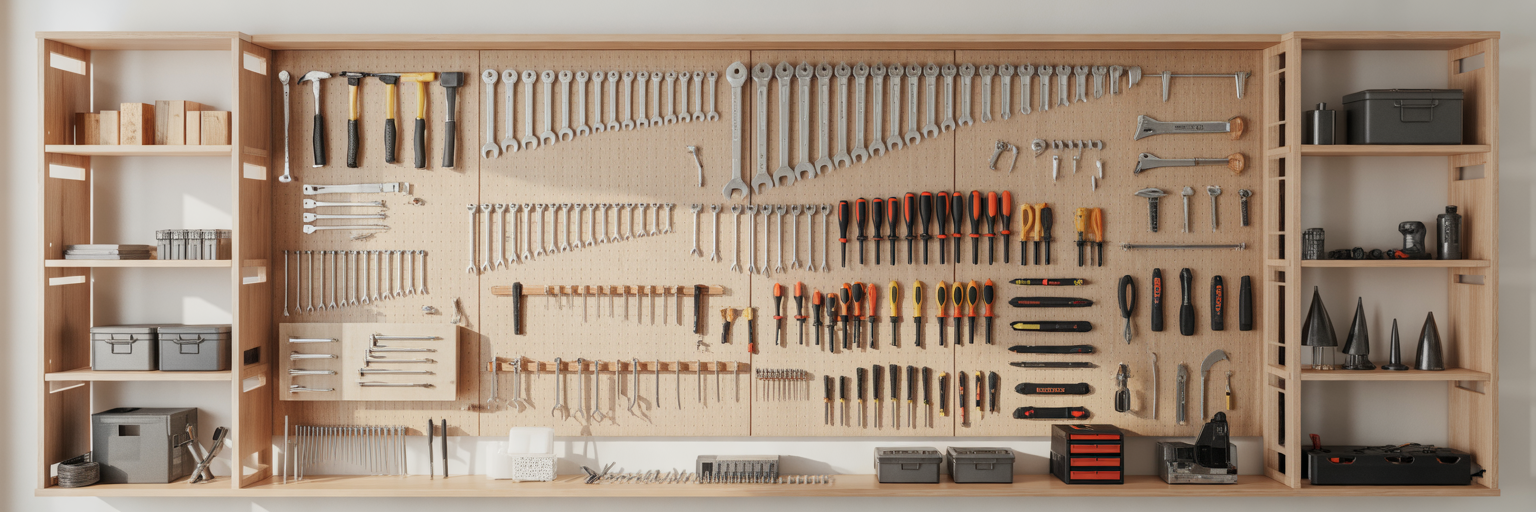
The first step toward ending the chaos is establishing a single source of truth for all visual inspiration. It’s time to move away from fragmented saving habits and commit to one dedicated, cloud-based space for the entire team. Imagine the difference: instead of digging through four different platforms to find a reference, your entire team knows exactly where to look. This isn't just about storage; it's about creating a shared creative memory.
An effective visual reference library for designers must be, above all, visual. Text-based lists of URLs and file names force you to rely on memory alone. A system that displays thumbnails and images allows for instant recognition, letting you scan hundreds of references in seconds. It also needs to be easily accessible from any device and offer robust organizational features. This is where a dedicated visual bookmark manager transforms a simple collection of links into an inspiring, searchable gallery. For instance, our platform is built to turn saved websites and images into a beautiful, organized grid that fuels creativity.
To get started, your team can take a few simple but powerful actions. First, agree on a primary tool that everyone will use. Next, ensure every team member has access and understands how to use it. Finally, commit to the new system by migrating your most essential existing references into this new central hub. This initial effort establishes the "where" of your inspiration, creating a solid foundation before you define the "how."
Developing a Consistent Collection Strategy
A central library is a great start, but it can quickly become a digital junk drawer without agreed-upon rules. This is where the process of saving becomes just as important as the location. To make your library truly scalable and searchable, your team needs a robust and consistent tagging system. This is one of the most critical moodboard best practices for teams, yet it's often overlooked.
A clear tagging hierarchy prevents confusion and makes filtering effortless. Consider a structure like this for a new project:
- Parent Tag: Project-Hydra
- Nested Tag: ui-patterns
- Nested Tag: color-inspiration
- Nested Tag: typography
- Nested Tag: competitor-analysis
This consistency ensures that when a designer searches for "typography," they find every relevant example for that project. But tags only tell part of the story. In a remote setting, the context behind why something was saved is often lost. Encourage your team to add a simple note to each saved item. A quick comment like, "Love the smooth transition on this button," or "Great example of data-dense UI," transforms a random image into a valuable, context-rich asset for everyone.
| Aspect |
Unstructured Approach (The Chaos) |
Structured Approach (The System) |
| Findability |
Relies on memory; slow and unreliable search |
Fast, filter-based search; find assets in seconds |
| Scalability |
Becomes unusable as the library grows |
Easily manages thousands of references |
| Team Alignment |
Inconsistent tags lead to confusion |
Shared language ensures everyone is on the same page |
| Onboarding |
New members struggle to navigate the mess |
New members can quickly understand and contribute |
Selecting the Right Tools for Real-Time Collaboration

A modern remote design workflow rarely relies on a single application. The key is to build a small, integrated stack of remote design team collaboration tools that work together seamlessly. It’s helpful to think about these tools in two distinct categories: those for *collection* and those for *curation*.
For collection, you need a frictionless, browser-based tool that lets designers capture inspiration without breaking their creative flow. A visual bookmarking extension is perfect for this, allowing you to save websites and images with a single click. The goal is to make saving an idea as effortless as having it.
For curation and moodboarding, you need a collaborative canvas. Digital whiteboards like Miro or FigJam have become essential for remote teams. As Miro's guide on how to make a moodboard points out, features like real-time cursors, comments, and voting are vital for group discussion and decision-making. These platforms are where you assemble, discuss, and refine your collected inspiration. The workflow becomes a smooth, two-step process: a designer collects references all week in their visual library, then drags their top selections into a collaborative whiteboard for the team session. For asynchronous feedback, features like sharing curated collections with a unique link allow team members to review ideas on their own time. A truly organized team might even integrate tools like Postingcat for content scheduling to keep the entire project timeline on track.
Structuring and Refining the Collaborative Moodboard
Once your team has a central library and the right tools, it's time to focus on how to create a collaborative moodboard that genuinely drives the project forward. Instead of everyone throwing images onto a blank canvas at random, a structured approach ensures all voices are heard and the outcome is focused. A great technique for this is the "Diverge and Converge" method.
Here’s how it works in three simple steps:
- Diverge: Set aside a block of time for each team member to independently pull their top 10-15 references from the central library onto the collaborative board. This quiet, individual work prevents groupthink and ensures a wide range of ideas are brought to the table from the start.
- Group & Discuss: Bring the team together for a collaborative session. Go through the selections, have each person briefly explain their choices, and start grouping similar items. This is where you identify emerging themes and patterns in the collective inspiration.
- Converge & Refine: As a team, discuss which references best align with the project's core direction. This is the most important step. It requires open communication and a willingness to respectfully set aside good ideas that aren't the *right* ideas for this specific project. The goal is to sharpen the creative vision.
After refining your selections, organize the final moodboard for maximum clarity. Avoid a chaotic collage. Instead, structure it into thematic sections like "Colour Palette," "Typography & Hierarchy," "Photography Style," and "UI & Interaction." This simple act of organization transforms the moodboard from an abstract collection of images into a practical, actionable document that can directly inform the next stages of design.
From Inspiration to Actionable Design Direction

A moodboard is not the final destination; it's the map. Its ultimate purpose is to drive action and ensure everyone is moving in the same direction. When presenting the finalized moodboard to stakeholders or other team members, don't just show the images. Narrate the story of the design direction you’ve collectively built. Explain how the chosen references translate into tangible design principles.
Show the direct line from the moodboard to the work ahead. For example, explain how the "Colour Palette" section will inform the primary and secondary colours in the style guide, or how the "UI & Interaction" examples will guide the development of key components. This demonstrates how a structured process to organize visual references for moodboards produces concrete outcomes, not just abstract ideas. A well-executed moodboard saves countless hours of rework by creating alignment from the very beginning.
By following this structured process, you turn abstract inspiration into a clear, collaborative roadmap for your entire remote team. Ready to get started? Take the first step by building your central library, or find some fresh creative fuel by exploring a curated source like our Daily Inspiration feed.