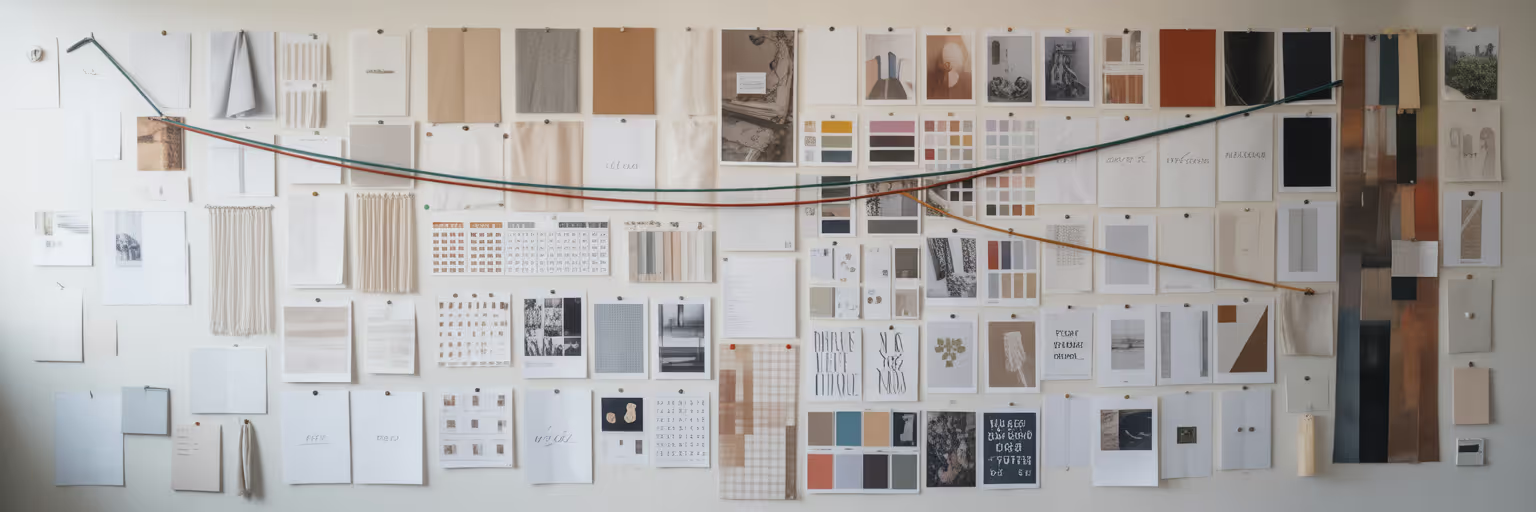
We have all been there. Your desktop is a graveyard of screenshots named `Screen Shot 2025-10-26 at 11.41.05.png`, and your browser is groaning under the weight of 50 open tabs. This is inspiration chaos, and it makes finding that one perfect reference for mobile app design inspiration feel impossible right when you need it. This article will show you how to build a personal, searchable library of UI patterns, transforming that mess into a streamlined system for designing better mobile apps, faster.
From Creative Chaos to a Cohesive System
Picture your current workflow. When a project calls for a new onboarding flow, you probably spend the first hour just hunting for examples you vaguely remember seeing. You sift through folders, scroll endlessly through your browser history, and try to piece together ideas from static, context-free images. It’s a frustrating and inefficient way to start a creative process.
Now, imagine an alternative. Instead of a scattered collection, you have a personal design encyclopedia. It is a dynamic, organized system where every piece of inspiration is tagged, annotated, and instantly findable. This is not just another folder of images. It is a cohesive system built to serve your workflow. This guide provides the steps to turn that digital mess into your most powerful design asset.
Why a Pattern Library Is Your Design Superpower

A well-maintained UI pattern library is like a chef’s recipe book. It does not just store ingredients. It contains proven formulas for success that ensure every dish is consistent and high quality. For designers, this translates into a more efficient and harmonious creative process. It is the foundation for achieving the best UI design workflow.
Achieve Consistency and Speed
When you have a collection of pre-vetted solutions for common problems like navigation, forms, or notifications, you stop reinventing the wheel. This creates visual and functional harmony across your app, which users notice and appreciate. More importantly, it dramatically accelerates your design process, freeing you up to focus on solving unique, high-impact challenges instead of basic component design.
Improve Team Collaboration
A pattern library acts as a single source of truth for your entire team. It creates a shared language that bridges the gap between designers, developers, and product managers. When everyone is referencing the same set of patterns, handoffs become smoother, feedback becomes more precise, and ambiguity disappears. No more explaining what you meant by "that cool sliding menu."
Enable Scalability and Onboarding
As an app grows, maintaining consistency becomes harder. A pattern library provides the structural backbone that allows a design system to scale efficiently. It also serves as an invaluable onboarding tool. New team members can quickly get up to speed by exploring the library, helping them understand the app’s design DNA from day one.
| Factor |
Traditional Method (Scattered Assets) |
Searchable Library (Organized System) |
| Findability |
Time-consuming search through folders and tabs |
Instant retrieval via tags and filters |
| Context |
Static screenshots lack interaction details |
Live links with notes on 'why' it works |
| Collaboration |
Ambiguous references, difficult handoffs |
Shared language, single source of truth |
| Scalability |
Inconsistent and difficult to maintain as projects grow |
Systematic, easy to update and scale |
Step 1: Curate Inspiration Beyond Static Screenshots
The first step in building a useful library is to stop saving static screenshots. A flat image is a dead end. It cannot show you the clever animation that made an interaction feel magical, nor can it reveal the responsive behavior on different devices. Screenshots are not searchable by content and lack the vital context of the live experience.
Instead, focus on collecting patterns that capture complete user experiences. As experts at the Nielsen Norman Group note, using familiar patterns helps users feel confident. Hunt for high-quality examples of core components, such as:
- Onboarding flows that feel welcoming and intuitive.
- Checkout processes that are frictionless and reassuring.
- Data visualization dashboards that make complex information clear.
- Clever micro-interactions that provide delightful feedback.
- Navigation patterns like bottom tabs, side drawers, or hub-and-spoke models.
This is where modern UI pattern library tools come into play. A visual bookmarking tool like Bookmarkify is built for this exact purpose. It saves the live URL, not a dead image, preserving the full interactive context. With different view modes, you can instantly see a saved site in a desktop, tablet, or mobile preview, making it easy to compare and analyze conventions across platforms. This approach to creative asset management for designers turns the collection process itself into part of your design workflow. You can find a steady stream of high-quality designs on platforms dedicated to this, such as our own daily inspiration feed.
Step 2: Structure Your Library for Instant Search

A collection of links is only slightly better than a folder of screenshots if you cannot find what you need. The real power of a searchable library of UI patterns comes from a smart and consistent tagging system. This is how to organize UI patterns effectively. Instead of vague folder names, create a framework of tags that describe each element with precision.
A good tagging system might look something like this:
- Component: `component:button`, `component:form`, `component:card`
- Flow: `flow:onboarding`, `flow:checkout`, `flow:signup`
- Pattern: `pattern:bottom-nav`, `pattern:search-bar`, `pattern:modal`
- Platform: `platform:ios`, `platform:android`, `platform:web`
- Style: `style:minimalist`, `style:brutalist`, `style:neumorphic`
But a tag is not enough. Context is everything. For each bookmark you save, add a short note explaining why you saved it. What problem does it solve? What is unique about its execution? Is it the animation, the copywriting, or the visual hierarchy? These annotations transform your library from a simple collection into a repository of design knowledge.
With a dedicated platform, you can visualize your entire collection, filter by tags, and analyze designs side-by-side. For example, using Bookmarkify’s unlimited tagging and filtering, you can instantly pull up every `flow:onboarding` example you have saved for `platform:ios` that fits a `style:minimalist` aesthetic. You can explore how this works on our design analysis page, which shows how to break down saved sites into their core components.
Step 3: Analyze and Adapt Patterns for Your Projects
Your library is now organized and searchable. The next step is to move from collection to application. The goal here is to deconstruct, not imitate. Blindly copying a pattern without understanding the principles behind it rarely leads to a good outcome. Instead, analyze why a particular design works. Break it down into its fundamental elements: visual hierarchy, spacing, color contrast, and typography. What makes it effective?
Remember that no pattern is a universal solution. A playful, animation-heavy pattern from a social media app will likely feel out of place in a serious banking application. As the UX Design Institute's guide to mobile app design highlights, designing for the thumb-driven interface and ensuring layouts are responsive are non-negotiable. Your chosen patterns must be adapted to fit your specific user context, brand identity, and business goals.
Tools can accelerate this analysis. For instance, with Bookmarkify’s ‘Design Analyse’ feature, you can inspect a saved website with a single click. It instantly reveals the exact fonts, color codes, and images used on the page. This makes it much easier to understand the building blocks of great UI and apply those principles thoughtfully to your own work, providing excellent mobile app design inspiration.
Keeping Your Pattern Library Alive and Relevant
A UI pattern library is a living system, not a one-time project. If left untouched, it will quickly become a digital museum of outdated trends. To ensure it remains a valuable and cutting-edge resource, you need a simple maintenance routine.
- Establish a maintenance routine. Set aside time once a quarter to audit your library. Remove patterns that feel dated, add fresh examples you have discovered, and refine your tagging system as new trends emerge. This keeps your collection relevant and sharp.
- Promote collaborative evolution. Your library becomes even more powerful when shared. With a tool like Bookmarkify, you can share a collection via a unique URL. This allows developers to check implementation details, product managers to align on direction, and other designers to contribute their own finds.
- Automate your inspiration stream. To prevent your library from going stale, you need a constant flow of new ideas. A great way to do this is with a feature like the Bookmarkify Daily Inspiration feed, which delivers six fresh examples of websites and apps directly to you every day, making it effortless to discover new patterns.
Start Building Your Ultimate Design Resource
You now have a clear path from a chaotic mess of screenshots to a powerful, searchable library of UI patterns. By building this system, you will enable a faster workflow, create more consistent designs, and have a wellspring of inspiration at your fingertips. The best way to begin is to start small.
Your next step is simple: find and save just five patterns you admire this week. Tag them, add a note about why they work, and begin your collection. This small action is the first step toward building your ultimate design resource. Ready to get organized? Explore our plans to see how you can start with a free account or go Pro to unlock unlimited bookmarks and advanced features.