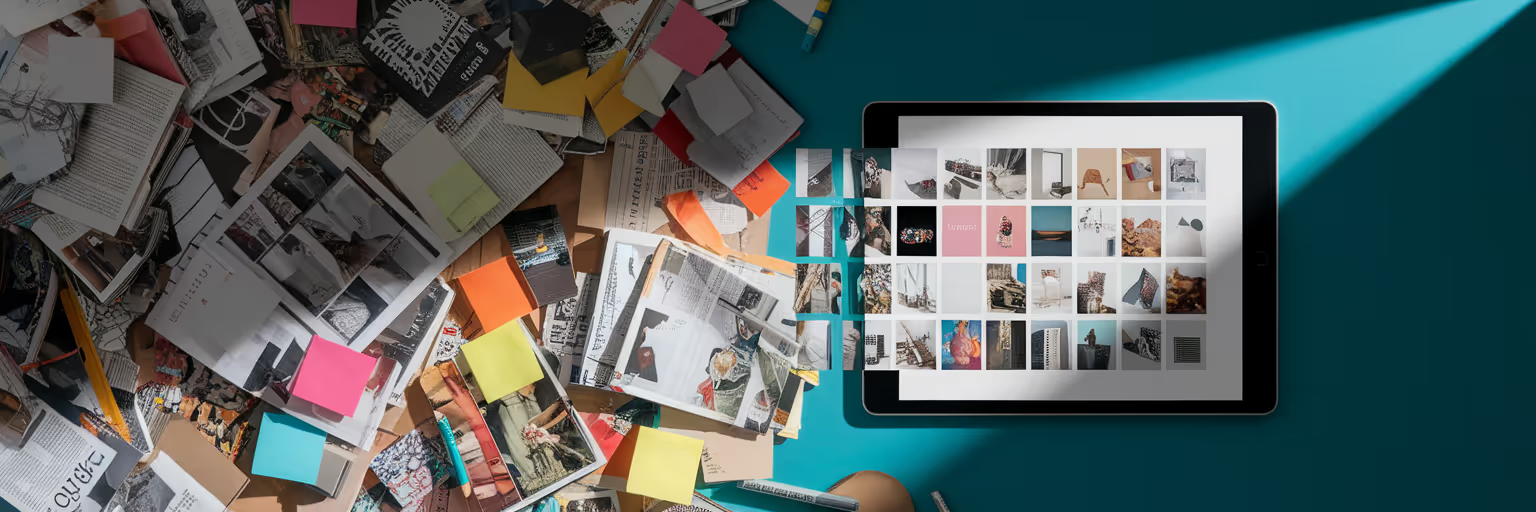
Picture this: you’ve spent hours perfecting a design, feeling confident you’ve nailed the brief. Then the feedback arrives. It’s not a detailed critique, but a vague, soul-crushing request to “make it pop” or “give it more personality.” We’ve all been there. This communication gap is the source of endless revision cycles and a frustrating disconnect between your vision and your client’s expectations.
This is where the moodboard transforms from a simple collage into a strategic visual contract. It’s a tool that aligns everyone before a single pixel is pushed, creating a shared language that prevents ambiguity. When you use modern visual feedback tools like our platform, Bookmarkify, this process becomes even more powerful, centralizing inspiration and making collaboration seamless. Let’s move away from the guesswork and build a clear design feedback process that works.
Building a Moodboard That Invites Clear Feedback
A great moodboard does more than just look pretty. It proactively stops vague feedback by setting clear expectations from the start. Instead of collecting random images you like, you build a strategic case for a specific creative direction. A purposeful board is your first and best defense against the dreaded “I’ll know it when I see it” comment.
Here’s how to use moodboards to build a foundation for clarity:
- Start with Clear Objectives. Every image, font, and color swatch must serve a purpose. As experts at Influence Marketing Hub point out, a moodboard becomes a powerful tool when every visual element is directly tied to a project goal. Is the goal to appear more trustworthy, playful, or premium? Find visuals that explicitly communicate that quality.
- Use Concrete Examples. Abstract words like “modern” or “clean” mean different things to different people. Replace them with tangible proof. Instead of tagging an image as “modern,” add a screenshot of a specific app interface or website that embodies that feeling. This removes guesswork and gives stakeholders something concrete to react to. A great place to start is by exploring curated galleries, like the Bookmarkify inspiration feed, to find specific examples that match your project's goals.
- Weave in Brand Context. A moodboard for clients shouldn't exist in a vacuum. It needs to connect with their existing brand. Include their logo, current color palette, and core values alongside your new ideas. This shows you’ve done your homework and helps them see the new direction as a natural evolution, not a jarring departure.
Here’s an actionable tip: for every image you add to your board, write a one-sentence rationale explaining how it connects to the project goals. If you can’t justify its presence, remove it. This simple exercise ensures your moodboard is a strategic document, not just a collection of pretty pictures.
Presenting Your Vision for Maximum Impact

Once your moodboard is built, its success depends on how you present it. Simply sending a link with “thoughts?” is a recipe for disaster. Your role is to guide the conversation, tell a story, and make your vision feel inevitable. The presentation is your opportunity to turn a collection of images into a compelling narrative for the project's future.
A powerful strategy is to present two distinct but equally strong directions. For example, you might create one moodboard for “Direction A: Bold & Energetic” and another for “Direction B: Calm & Minimalist.” This simple framing shifts the feedback from an open-ended critique to a focused choice. Instead of asking “What do you think?” you’re asking, “Which of these two paths best aligns with our goals?” This helps prevent analysis paralysis and gives you a clear mandate to move forward.
When you walk through the board, don’t just point at images. Tell the story behind your choices. Explain why you chose a specific typeface to convey authority or a color palette to evoke warmth. Connect the dots for your client, building a narrative that makes your vision feel both exciting and logical. To make it even more immersive, include multimedia. Short video clips showing interface animations or atmospheric footage can help stakeholders *feel* the intended mood, making the vision tangible and accelerating the client design approval process.
Turning Visuals into Actionable Conversations
The real magic happens when the moodboard becomes the centerpiece of your creative feedback loops. It’s a shared reference point that transforms subjective opinions into constructive dialogue. The key is to teach stakeholders how to use it and to ask the right questions to guide them.
First, coach your clients on giving better feedback. Instead of accepting “I don’t like it,” prompt them to be specific by referencing the board. A comment like, “The font in this draft feels more corporate than the handwritten style we approved on the moodboard,” is infinitely more helpful. As highlighted in a LinkedIn discussion on this topic, the most effective feedback references specific elements to illustrate preferences.
To facilitate this, come prepared with guiding questions:
- Which images on this board resonate most with the brand personality we discussed?
- Looking at the moodboard, does this draft align with the overall energy we aimed for?
- Is there anything on the board that you feel is missing from the current design?
Documenting this feedback visually is crucial. This is where a tool designed for creatives becomes invaluable. With a platform like Bookmarkify, you can share a collection and have stakeholders comment directly on each visual, creating an organized, actionable log of feedback. This keeps all communication in one place, ending confusing email threads.
| Feedback Type |
Vague Feedback (Without Moodboard) |
Moodboard-Driven Feedback (With Moodboard) |
Outcome |
| Color Palette |
'Can we make the colors more exciting?' |
'Let's use the vibrant teal from the moodboard instead of this muted blue.' |
Specific, actionable change. |
| Typography |
'The font feels a bit off.' |
'This serif font feels too traditional. Let's try a sans-serif like the one in our 'Modern & Clean' reference image.' |
Clear direction based on prior agreement. |
| Overall Mood |
'It's not quite what I had in mind.' |
'The overall mood feels less energetic than the 'Bold & Dynamic' direction we chose.' |
Identifies the core disconnect. |
| Imagery |
'I don't like this photo.' |
'This stock photo feels staged. Let's find something with the authentic, candid feel of the lifestyle shots on the board.' |
Constructive and solution-oriented. |
Note: This table illustrates how a shared visual reference transforms ambiguous client requests into precise, actionable instructions, dramatically reducing revision time and improving creative outcomes.
Using Digital Moodboard Views to Perfect the Process
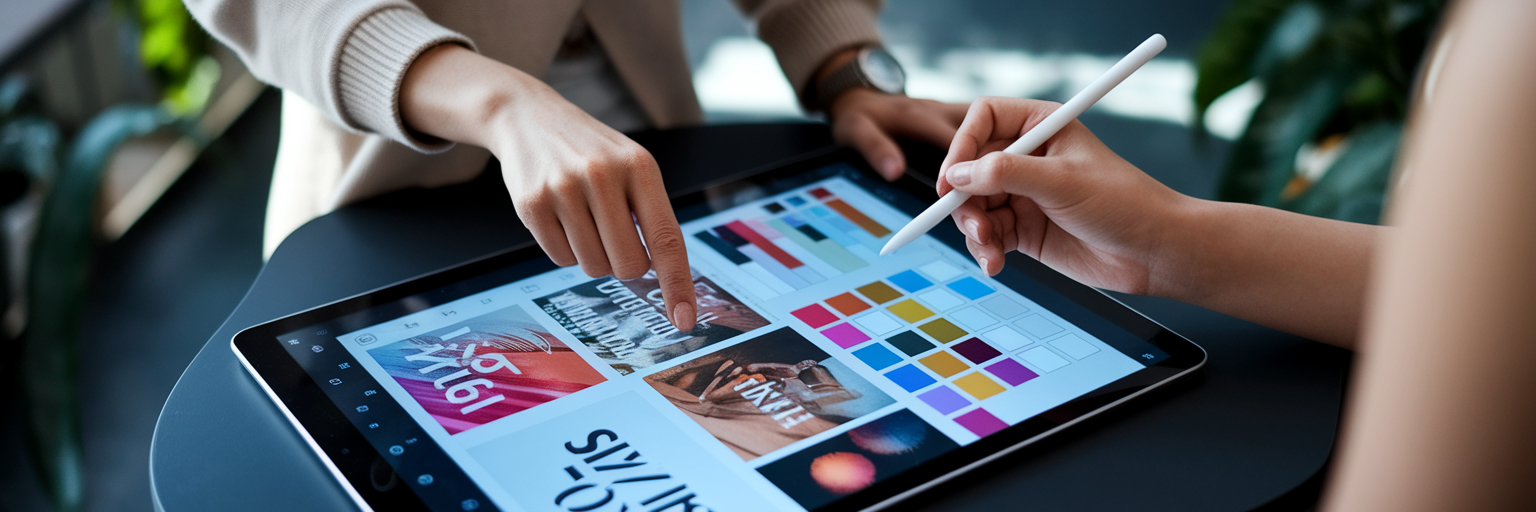
While physical moodboards have their charm, digital visual feedback tools supercharge this entire workflow. A platform like Bookmarkify is built to turn your inspiration library into an interactive presentation and feedback hub. It’s not just about storing images; it’s about using them to communicate more effectively.
Here’s how digital moodboard views enhance the process:
- Interactive Views. A static PDF is a one-way street. With Bookmarkify’s moodboard view, your presentation becomes dynamic. You can filter your collection by tags like ‘typography’ or ‘color’ on the fly, allowing you to focus the conversation on specific elements without losing the big picture.
- Effortless Sharing. Forget exporting massive files or dealing with broken email attachments. You can share an entire moodboard collection with a single, unique URL. This allows stakeholders to review and provide feedback asynchronously, respecting everyone’s schedule.
- Rapid Iteration. What if the client wants to explore a slightly different direction? With a centralized library of bookmarks, you can quickly search your saved inspiration, add new examples to the moodboard, and share an updated version in minutes, not hours.
- Deeper Analysis. If a client points to a website they love on the moodboard, you can go a step further. Using a feature like Bookmarkify’s Design Analyse tool, you can instantly inspect its fonts, colors, and assets to ensure you replicate the style with precision.
These features transform the moodboard from a static document into a living, breathing part of your design feedback process, making it faster, smarter, and more collaborative.
Navigating Common Feedback Hurdles
Even with a perfect moodboard, you might hit a snag. The key is to see these moments not as failures, but as opportunities to gather more data. Having a shared visual language is your greatest asset when troubleshooting.
What if the client hates both directions you presented? Don’t panic. Use the moodboard to dig deeper. Ask clarifying questions like, “Okay, this direction feels too corporate. Can you point to an image on the board that feels more aligned with your vision?” This reframes their rejection into a constructive pointer.
Conflicting feedback from multiple stakeholders is another common challenge. When one person loves the bold typography and another finds it overwhelming, use the agreed-upon moodboard as the tie-breaker. Gently guide the conversation back to the original objectives by asking, “Which of these opinions best supports the ‘approachable and friendly’ goal we all aligned on?”
For persistent vagueness, try a live co-browsing session. Use the Bookmarkify extension to browse websites together in real-time, adding inspiration to a shared collection. This collaborative approach makes the process tangible and can break through even the toughest communication barriers. For more tips on improving your creative workflows, check out other guides on our blog.
Build Your Next Project on a Foundation of Clarity
A well-executed moodboard is more than an aesthetic exercise. It’s a project management asset that establishes a shared language, gathers specific feedback, and dramatically accelerates the client design approval process. It saves you time, reduces friction, and ultimately leads to stronger, more resonant creative work.
Stop the guesswork and start building with confidence. Create your first collaborative moodboard with Bookmarkify for free and see how a clear visual foundation can transform your creative feedback loops.