Your calendar is a wall of video calls, yet creative momentum feels stalled. It’s a common frustration for remote creative teams. You spend hours in sync meetings discussing design, but the actual progress feels slow. What if the solution wasn't another meeting, but fewer of them? Top remote agencies are discovering just that, cutting sync meetings by building a new asynchronous design workflow.
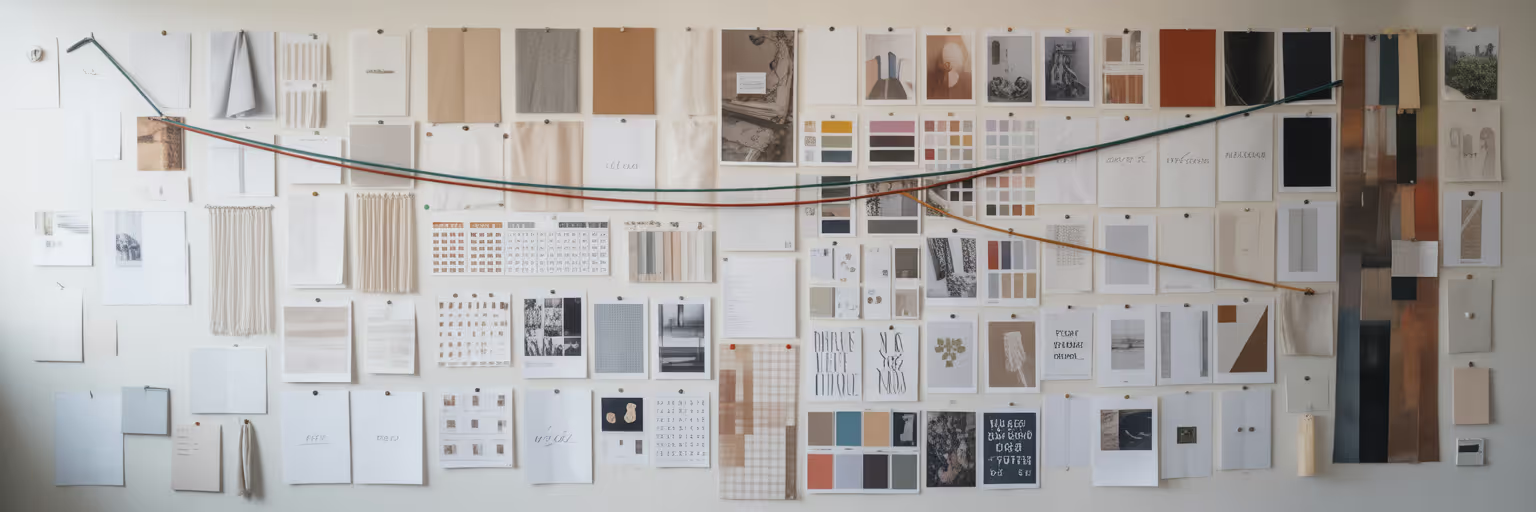
They are shifting their work from conversation-based alignment to visual-based clarity. At the heart of this shift is the concept of a shared visual library. This isn't just a folder of assets on a server. It's a dynamic, curated, and searchable space that acts as the team's collective memory, a single source of visual truth. This library becomes the foundation for a calmer, more focused way of working. This article breaks down exactly how you can build and integrate this system to reclaim your team's most valuable resource: creative time.
Why Constant Syncs Are Failing Your Design Team
Let's be direct. Back-to-back meetings are destructive to the creative process. Every call shatters the state of deep work that is essential for high-quality design. The mental cost of switching from a complex Figma file to a strategy discussion and back again is enormous. It’s not just about the time in the meeting, but the time it takes to refocus afterward.
For distributed teams, this problem is magnified. As Twist’s guide on remote work highlights, scheduling across time zones often forces someone into an inconvenient early morning or late-night call, leading directly to burnout. This logistical nightmare is one of the biggest challenges for remote design team collaboration. Then there's the issue of "information decay." A decision made verbally in a meeting is fragile. It relies on memory and interpretation, often getting lost or misconstrued by the next day. You can probably recall a time you left a meeting thinking everyone was aligned, only to find out later that three people had three different takeaways.
This chaos is compounded by feedback scattered across a dozen distributed team tools. A comment in Slack, a suggestion in an email, a note in Figma, and a verbal aside in a call create a digital scavenger hunt every time a designer needs to find the latest input. It’s an inefficient system that prioritizes presence over progress.
| Factor |
Synchronous Meetings |
Asynchronous Visual Libraries |
| Creative Flow |
Disrupts deep work; high context-switching cost |
Protects deep work; allows for focused creation |
| Time Zone Equity |
Forces inconvenient hours for some team members |
Allows contribution at peak productivity hours |
| Information Permanence |
Decisions are verbal, easily lost or misremembered |
Decisions are written and visually contextualized |
| Feedback Management |
Scattered across notes, chat, and memory |
Centralized, annotated directly on visual assets |
How to Build a Shared Visual Reference Library

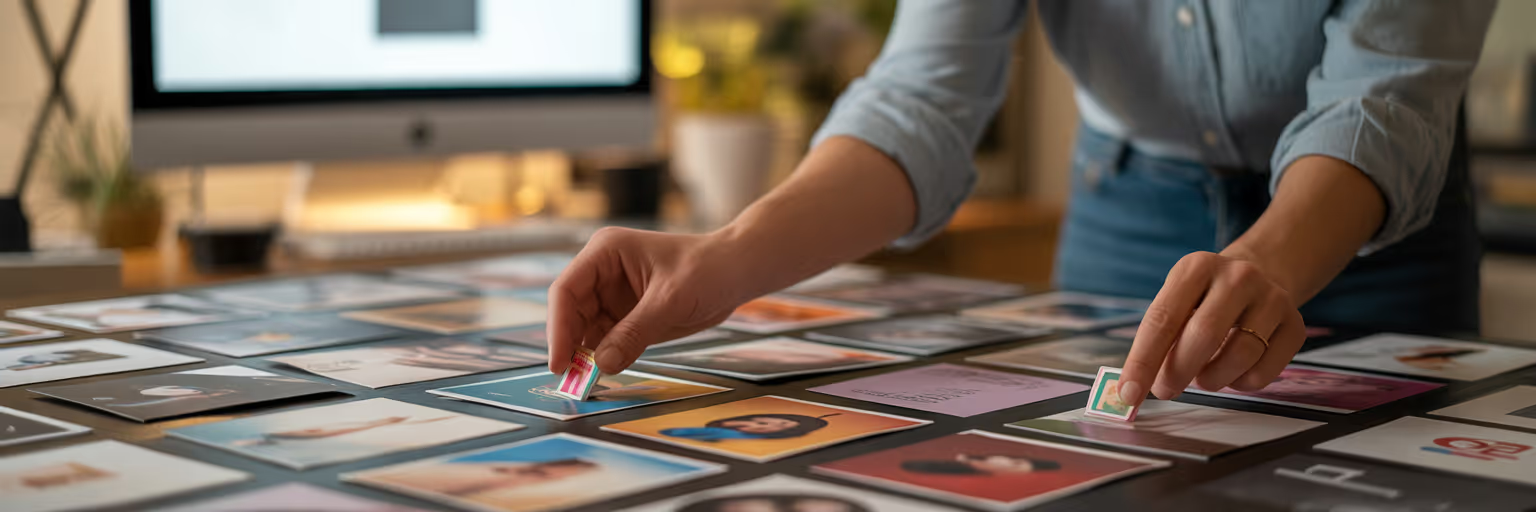
Transitioning away from a meeting-heavy culture starts with building your team's shared brain. This shared visual library becomes your virtual design studio, a central hub for inspiration, feedback, and project assets. The goal is to create a space so useful that it becomes the default place to find an answer before scheduling a call.
So, what goes into this library? It’s more than just final designs. It’s the entire visual conversation around your work:
- Annotated UI screenshots of competitor products
- Inspirational website layouts and interaction patterns
- Brand assets like logos, color palettes, and fonts
- Short video clips of user flows or animations
- Marketing materials and ad creatives from your industry
Setting one up is straightforward if you follow a clear process:
- Choose a central tool built for visual organization. You need a platform that prioritizes visual recognition over text-heavy lists. A tool like our visual bookmark manager is designed specifically for this, allowing you to save websites and images into clean, searchable galleries.
- Define initial categories based on projects or themes. Start simple with folders like "Q4 Mobile App Redesign" or "Website Inspiration." You can always refine this later.
- Adopt a "curate, don't hoard" philosophy. The library's value comes from quality, not quantity. Every item saved should include a note explaining why it’s relevant. This simple habit turns a random image into a piece of strategic insight. For example, you can find great examples on our inspiration page.
To make this a team habit, integrate it into your workflow. Start every new project by creating a dedicated collection. A browser extension that allows for one-click saving is essential for making this process frictionless and a core part of an efficient asynchronous design workflow.
Mastering Taxonomy to Keep Your Library Searchable
A visual library is only useful if you can find what you need. Without a clear organizational system, your curated collection quickly becomes a "digital junk drawer." This is a common failure point for teams that start with good intentions but lack a strategy for scale. The key to avoiding this is mastering your taxonomy from day one.
Instead of letting everyone invent their own tagging system, agree on a hybrid strategy. Use broad, high-level categories for structure and specific, detailed tags for granular searching. For example:
- Category: UI Patterns
- Tags: `dashboard-card`, `SaaS-pricing-table`, `onboarding-modal`
This structure makes browsing easy while allowing for powerful, specific searches. To maintain order as your library grows, implement a few simple practices:
- Create a simple "Tagging Guide" in a shared document that outlines your main categories and tagging conventions.
- Appoint a "librarian" on the team who does a quick audit each quarter to clean up duplicate tags and ensure consistency.
- Use tools with smart features like tag suggestions, which help guide team members to use existing tags instead of creating new ones.
The payoff is immense. A well-organized library empowers designers to instantly find relevant examples, which drastically reduces the "hunt-time" for inspiration. This shared language and structure are the true foundations of effective remote design team collaboration. When you can share a perfectly curated collection with a new team member, you onboard them into your team's visual mindset instantly.
Practical Async Workflows Powered by Visuals

With a well-organized library in place, you can fundamentally change how your team communicates. Instead of scheduling a 30-minute sync to review a mockup, you can adopt a more efficient async workflow. Imagine this: a designer finishes a new screen layout. Instead of presenting it live, she adds it to the project's collection in the visual library.
She then records a five-minute video walkthrough, explaining her design choices and linking directly to the inspirational examples from the library that informed her decisions. She shares the link in the team's project channel. Team members can watch it on their own time and leave feedback with comments and annotations directly on the visual assets. This is design collaboration software working at its best, creating a clear, contextual, and permanent record of the feedback loop.
This approach aligns with what GitLab calls a "purposeful communications" model in its guide on all-remote work. Decisions are documented in writing and tied directly to visual references, creating a searchable project history that is invaluable for long-term alignment. To make this work, teams need to be disciplined about their communication channels, a principle that aligns with the content management best practices discussed over at Postingcat's blog. The cross-functional benefit is powerful. A product manager in a different time zone can review the design, watch the walkthrough, and leave thoughtful feedback before the designer's day even begins. Iteration happens faster, without a single live meeting.
The Real-World Benefits of a Visual-First Workflow
Adopting a visual-first, asynchronous workflow is more than just a preference; it delivers measurable results. It’s about creating a more effective environment for remote creative teams. The goal is to shift the focus from proving work is being done in meetings to creating the space for better work to happen.
This isn't just a theory. It's a core productivity driver that gives your team its most valuable resources back: time and focus. A shared visual language, similar to how enterprise teams use Adobe Creative Cloud Libraries, ensures everyone is working from the same playbook. This reduces rework and improves the consistency and quality of the final output. The investment in building and maintaining a visual library is an investment in clarity.
Ultimately, this workflow empowers your team to move faster, collaborate more effectively across time zones, and produce higher-quality creative work. It transforms your process from one of constant interruption to one of focused creation. For more insights on boosting your team's productivity, you can explore other articles on our blog.