You’ve seen it. That brilliant competitor ad with the perfect hook. You take a quick screenshot and drop it into a desktop folder vaguely named “Ad Inspiration.” You tell yourself you’ll come back to it later. But when “later” arrives, you’re faced with a chaotic grid of generically named PNG files, completely stripped of their original context. The ad copy, the call-to-action, the landing page it led to, all of it is gone. You’re left with a visual graveyard of good ideas you can’t use.
This isn’t just a minor inconvenience. It’s a strategic handicap. Every minute you spend digging through that digital mess is a minute you’re not spending on creative strategy. This disorganization leads to repetitive work, missed opportunities, and a frustrating inability to track what your competitors are actually doing. It’s time to move from passively saving screenshots to actively gathering intelligence. The first step is to build a swipe file that works for you, not against you.
The Problem with Your 'Ads' Screenshot Folder
We all have that folder. It starts with good intentions but quickly becomes a digital junk drawer. The core problem with the screenshot method is its complete lack of context. A file named `Screen Shot 2026-10-27 at 11.45.12 AM.png` tells you nothing about the campaign objective, the target audience, or the platform where it appeared. Was it a TikTok video or a Meta carousel ad? You have no idea.
This makes your collection virtually unsearchable. You might remember seeing a great testimonial ad two months ago, but you can’t find it without manually opening dozens of files. This friction means that folder of inspiration rarely gets used. It becomes a place where good ideas are forgotten, forcing your team to reinvent the wheel for every new campaign.
The strategic cost is significant. When you can’t easily reference what’s working for others, you miss crucial shifts in competitor messaging and creative angles. A professional visual ad library transforms this chaos into a strategic system. It’s the difference between hoarding random images and building an organized, searchable database for competitor ad analysis.
Foundations of a Strategic Ad Creative Library

Moving beyond the screenshot folder requires a system built on a few core principles. An effective visual ad library isn’t just a folder in the cloud. It must be centralized, searchable, contextual, and shareable. Think of it as your team’s single source of truth for competitive creative, accessible to everyone, not scattered across individual desktops.
A truly strategic library captures more than just the visual. It saves the essential metadata: the ad copy that caught your eye, the call-to-action, the platform it ran on, and the date you saw it. This context is what turns a simple image into a piece of competitive intelligence. While generic tools like Google Drive or Pinterest can hold images, they weren’t built for this specific task. You’re still left with the manual work of uploading, naming, and adding notes.
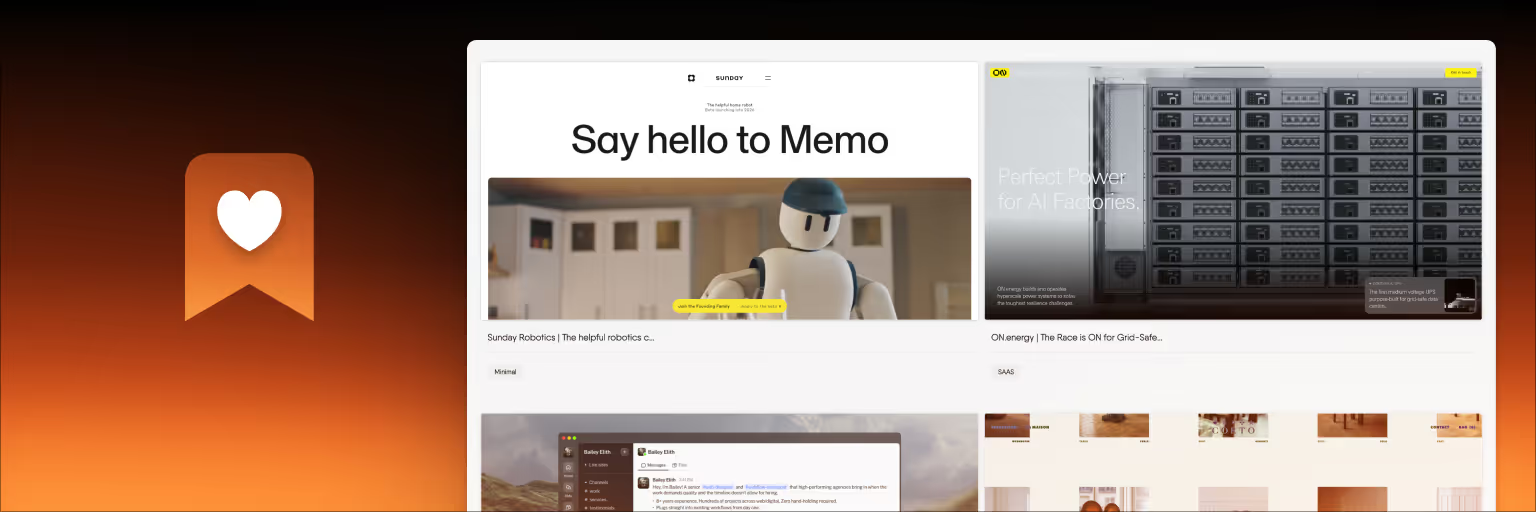
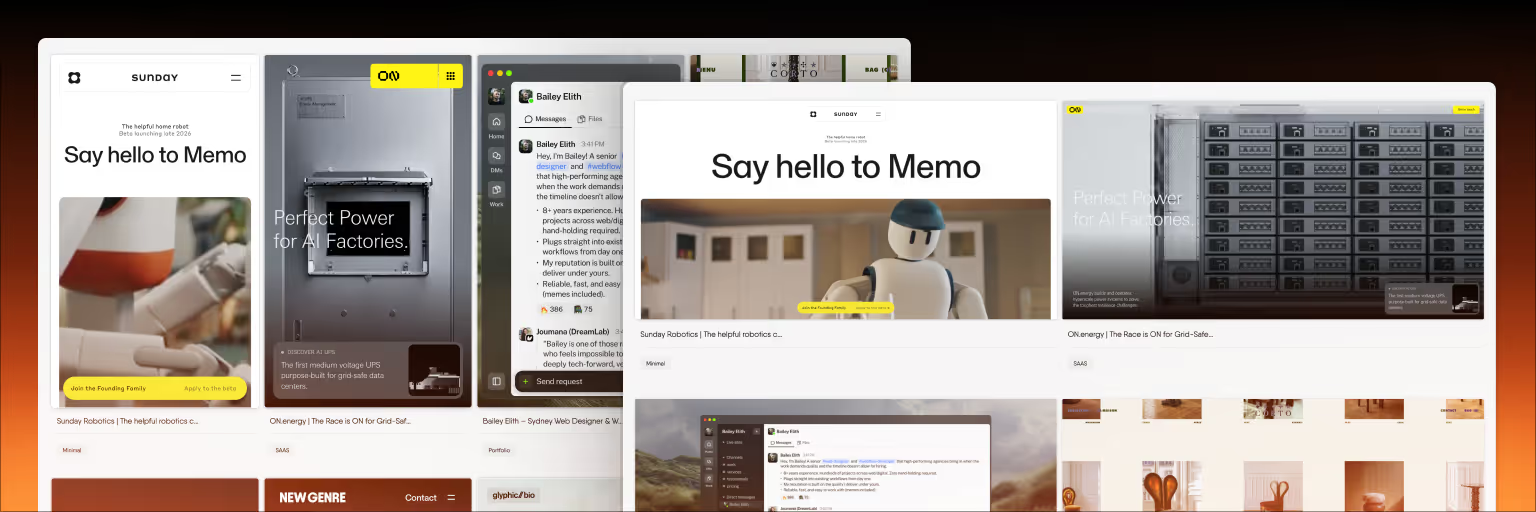
This is where dedicated visual bookmarking tools excel. Platforms designed with a visual-first approach, like the one we've built at Bookmarkify, are engineered to capture web content with its context intact. With a single click, you can save an ad’s landing page, automatically generating a thumbnail and preserving the source link. This simple shift in workflow reduces the mental clutter of organization, freeing up your creative energy for what really matters: developing a winning digital marketing campaign strategy.
Your Step-by-Step Guide to Building the Library
Ready to create a system that actually works? Here is a straightforward process to build a swipe file that fuels your creativity instead of draining your time. This is the practical "how" that brings the strategy to life.
- Choose Your Central Hub: Your tool will define your workflow. While note-taking apps and cloud storage can work, they require significant manual setup. A visual bookmark manager is designed for this exact purpose, offering one-click capture and powerful organization features right out of the box. The efficiency gained from a purpose-built tool is substantial, as seen when comparing options. You can explore the features available in our plans to see how a dedicated tool is structured.
- Define Your Tagging System: A great library is built on a smart tagging framework. This is what makes your collection searchable. Start with a few key categories that are crucial for an effective digital marketing campaign strategy:
- Campaign Objective: `lead-gen`, `brand-awareness`, `conversion`, `engagement`
- Ad Format: `video`, `carousel`, `image`, `story`
- Creative Angle: `ugc`, `testimonial`, `problem-solution`, `how-to`
- Platform: `meta`, `tiktok`, `linkedin`, `pinterest`
- Establish a Collection Routine: Consistency is everything. Block out 30 minutes on your calendar each week specifically for finding and saving new competitor ads. Making this a habit ensures your library stays current and relevant, turning it into a dynamic resource rather than a static archive.
- Save with Context: Never save just the image. When you capture an ad, use your tool’s notes feature to add crucial details. Paste in the ad copy, jot down a quick personal analysis like "strong visual hook" or "confusing CTA," and always double-check that the source link is saved. This context is what you'll rely on later.
| Feature | Visual Bookmark Manager (e.g., Bookmarkify) | Note-Taking App (e.g., Notion) | Cloud Storage (e.g., Google Drive) |
|---|
| Web & Image Capture | One-click browser extension captures URL, thumbnail, and images | Web clipper saves page content, but can be inconsistent with ad formats | Manual process: screenshot, download, upload |
| Visual Searchability | High; designed for scanning visual thumbnails and multiple layouts | Medium; depends on gallery view setup and manual cover images | Low; relies on folder structure and filenames |
| Tagging & Filtering | Advanced; built-in multi-tagging and filtering is a core feature | Flexible database properties, but requires manual setup | Limited; relies on folder names or complex filename conventions |
| Context & Metadata | Automatically saves source URL; dedicated notes field for analysis | Requires manual copy-pasting of URL and notes into page body | No native way to store metadata alongside the image file |
Where to Find High-Quality Competitor Ads

Now that your system is ready, where do you find the ads to fill it? Fortunately, there are powerful, free resources available to every marketer. Start with the official ad libraries from major platforms. The Meta Ad Library is an essential tool for competitor ad analysis. As a recent guide from AdLude highlights, it allows you to search for any brand and see all their active ads, providing incredible transparency.
Don’t stop there. The TikTok Creative Center has a "Top Ads" feature that is perfect for spotting viral trends and creative formats. For B2B marketers, the LinkedIn Ad Library offers similar insights into what competitors in your professional space are promoting. These platforms are your primary hunting grounds.
Next, shift your focus to "in-the-wild" discovery. To see the ads your target audience sees, you need to act like them. Follow your competitors on social media, visit their websites, and engage with their content. Soon enough, their retargeting campaigns will find you. When an ad appears in your feed, use your browser extension to save it directly to your library. This method captures ads that might not appear in the public libraries and gives you a real-world view of their targeting strategies. While paid intelligence tools exist, these free methods provide more than enough material to build a robust visual ad library. And remember, inspiration isn't limited to ads; our daily feed of creative work can also provide a fresh dose of general design fuel.
From Collection to Analysis: Decoding Creative Success
A library of ads is just a collection. The real value comes from analysis. Your swipe file is a dataset waiting to reveal patterns about what resonates with your audience. To begin, create a simple framework for analyzing each ad you save. Ask yourself a few key questions:
- What is the hook in the first three seconds of the video or the headline of the image?
- What is the core message or value proposition being communicated?
- What is the visual style? Is it polished and professional, or raw and user-generated (UGC)?
- What specific action does the Call-to-Action ask the viewer to take?
As you answer these questions, use the tagging system you created earlier to log your insights. Add tags like `strong-hook`, `ugc-style`, or `benefit-driven-copy`. This analytical process applies to all visual assets, not just digital ads. For instance, understanding trends in custom perfume packaging involves the same principles of deconstructing visual appeal and messaging.
After you’ve collected 50 to 100 ads, the magic happens. Use your tool’s filtering capabilities to start spotting trends. Filter for all `video` ads with the `testimonial` tag to see how different competitors are leveraging social proof. Or, compare all ads tagged `problem-solution` to identify common pain points being addressed in your market. This process turns your collection into a powerful source of ad creative inspiration and strategic direction. For more ideas on creative workflows, you can always explore the insights we share on our blog.
Putting Your Library to Work in Your Campaigns
The final step is to integrate your visual ad library into your daily marketing workflows. This is where your diligent collection and analysis pay off, directly impacting the quality and performance of your campaigns.
Fueling Brainstorming Sessions
Staring at a blank page is one of the biggest creativity killers. Instead of starting from scratch, open your ad library. Need ideas for a new campaign? Filter your collection by a creative angle like `how-to` or `unboxing` to instantly see dozens of real-world examples. This provides immediate sparks of inspiration and helps your team move from ideation to execution much faster.
Informing Creative Briefs
Clear creative briefs lead to better creative work. When briefing a designer or copywriter, words can only go so far. Curate a mini-collection of three to five top-tier ads from your library that exemplify the direction you want to take. With a tool that supports collaboration, you can share this collection with a unique URL, ensuring everyone on the team is aligned on the visual and tonal goals from the very beginning.
Developing A/B Testing Hypotheses
A well-structured library is a goldmine for A/B testing ideas. Your competitor ad analysis can generate data-informed hypotheses that go beyond simple button color changes. For example, if you notice "Competitor X is running a lot of UGC-style video ads," your hypothesis becomes: "Let's test a UGC ad against our polished studio ad to see if it lowers our cost-per-acquisition." This approach connects your library directly to performance improvement, making your entire digital marketing campaign strategy smarter and more effective.