You found the perfect font pairing for a client project last week. You know you saved it somewhere, but was it a browser bookmark, a screenshot on your desktop, or a pin on a secret board? That feeling of lost inspiration is more than just a minor annoyance. For a freelance designer, it's a direct hit to your bottom line.
Every minute spent digging through a chaotic mess of links and folders is a minute you can't bill. This disorganization quietly erodes your profit margins and pushes deadlines back, project by project. Effective freelance design project management isn't just about calendars and invoices. It's about how you manage your most valuable asset: creative inspiration. By 2026, shifting from random saving to intelligent curation is no longer a simple hack. It's a fundamental business practice, and mastering visual bookmarking for designers is the first step toward building a more profitable and less stressful freelance career.
Why Your Old Bookmarking System Is Costing You Projects
We can all picture that moment: you’re trying to find that one specific website with the brilliant button animation you saw two months ago. Your browser's bookmark manager is a graveyard of vague titles, and your desktop is a sea of untitled screenshots. This isn't just a personal frustration. It's a professional bottleneck that directly impacts your work.
Think of the time spent searching as unpaid administrative work. If you spend 30 minutes a day hunting for references, that adds up to over two hours of non-billable time each week. Over a year, that’s more than 100 hours you could have spent on creative work or finding new clients. This inefficiency also creates friction in your creative process. Momentum is lost, ideas fade, and you end up settling for a good-enough reference instead of the perfect one you know you have somewhere.
This scattered approach also projects a lack of polish to clients. When you can’t quickly pull up relevant examples during a meeting, it can undermine their confidence. In contrast, a designer who can instantly access a curated library of ideas appears organized, professional, and in complete control. Moving beyond a messy, text-based system is essential for professional growth.
Establish a Project-Based Visual Library
The first step away from creative chaos is to stop treating your bookmarks like a digital junk drawer. Instead, think of them as a specialized library where every book has its place. The most effective way to achieve this is by creating a dedicated visual collection for every single project you take on.
Creating Your Project Command Center
Before you even start designing, build a command center for your inspiration. This simple habit creates a focused environment for each client engagement. Here’s how to start:
- Create a New Collection Immediately: The moment a project is confirmed, create a new, empty collection for it.
- Use a Consistent Naming Convention: A clear structure prevents confusion. Try a format like [Client Name] - [Project Type] - [Phase]. For example, "Apex Corp - Website Redesign - Moodboard" or "Luna Goods - Branding - Discovery."
- Save Everything Relevant: This library is for more than just URLs. Actively collect specific images, UI components, color palettes, and typography examples. Build a complete resource hub for that project alone.
The Benefits of Focused Curation
This project-based approach has powerful cognitive benefits. When you open the "Apex Corp" collection, you only see visuals relevant to that client. This eliminates the mental clutter and context-switching that happens when your e-commerce inspiration is mixed in with your SaaS dashboard ideas. It sharpens your focus, accelerates creativity, and makes your workflow feel instantly lighter. This is the foundation of how to organize design inspiration effectively. Browsing well-organized examples, like those in our daily inspiration feed, can also spark fresh ideas for building your own project libraries.
Master Advanced Tagging for Quick Retrieval
Now that you have project-specific libraries, the next step is to organize the content within them. For years, we’ve relied on folders, but this system is fundamentally limited. A great design example can only live in one folder, but it might have a dozen relevant attributes. This is where a multi-dimensional approach using tags changes everything.
Moving Beyond Folders: A Multi-Dimensional Approach
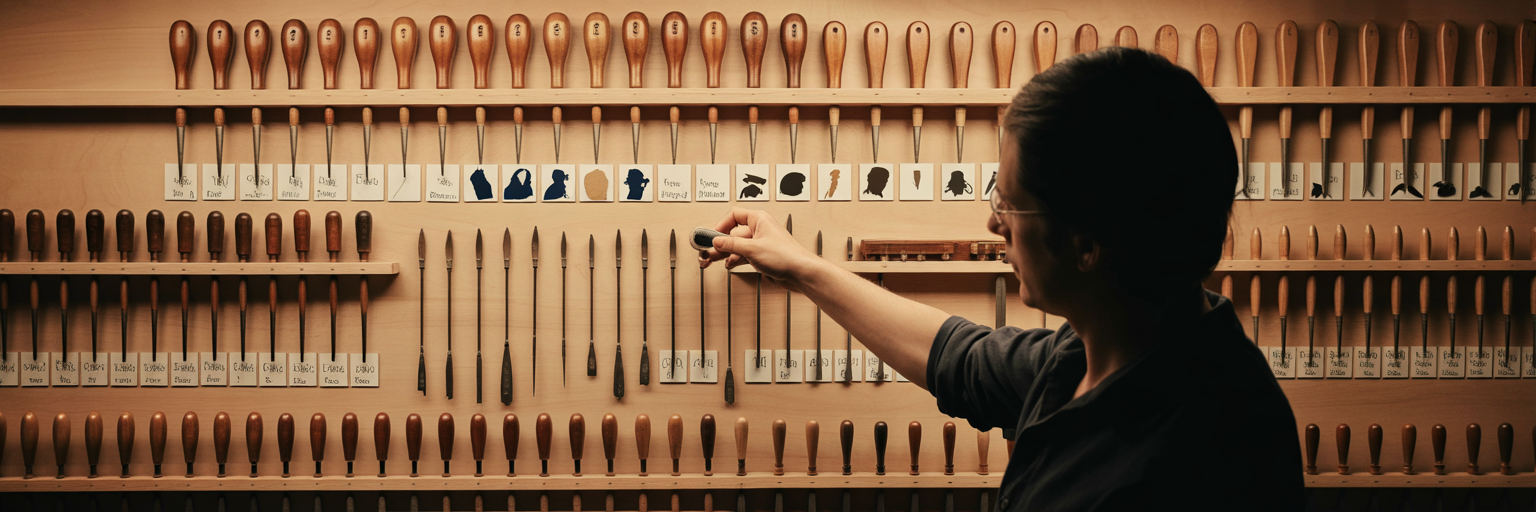
Think of your visual library like a physical workshop. Folders are like drawers; a tool can only be in one drawer at a time. Tags, however, are like color-coded labels you can stick on any tool, no matter which drawer it's in. A single website can be tagged with #dark-mode, #saas, #dashboard, and #data-visualization. This flexibility allows you to find exactly what you need with a few clicks, rather than guessing which folder you might have dropped it into.
A Strategic Tagging Framework for Designers
Developing a consistent tagging system is one of the most valuable creative project workflow tips a freelancer can adopt. Discipline now will save you hundreds of hours later. Here is a sample framework to get you started:
| Tag Category |
Example Tags |
Use Case |
| Asset Type |
ui-pattern, logo, illustration, photo, typography |
Quickly filter for specific types of creative assets. |
| Project Phase |
discovery, moodboard, wireframe, final-design |
Organize inspiration based on where you are in the project lifecycle. |
| Design Element |
dark-mode, microinteraction, gradient, brutalism |
Isolate specific stylistic elements or components for reference. |
| Industry/Niche |
saas, e-commerce, healthcare, fintech |
Group examples by client industry for faster onboarding on new projects. |
| Source/Credit |
dribbble, awwwards, client-provided, my-screenshot |
Keep track of where your inspiration came from for attribution or context. |
Imagine you need to find all 'dark mode' 'dashboard UI' examples with 'data visualization' elements for your current project. With this system, it’s a three-click search, not a thirty-minute hunt through endless folders. Your personal tagging convention becomes a powerful, customized search engine for your own creative brain.
Build Dynamic Moodboards for Client Alignment
Your organized visual library isn't just for you; it's a powerful tool for client communication. By leveraging your curated collections, you can transform the moodboarding process from a static presentation into a dynamic conversation. This is where your bookmarking system becomes one of the best moodboard tools for designers.
Forget sending a flat PDF that becomes outdated the moment you email it. A dynamic, shareable moodboard is a living document that builds consensus and reduces misunderstandings. The advantages are clear:
- Real-Time Updates: Add or remove visuals based on feedback without creating a new version.
- Collaborative Feedback: Clients can comment directly on specific examples, providing clear, contextual input.
- Evolving Direction: The moodboard evolves with the project, serving as a constant visual anchor for everyone involved.
Here’s a simple process to follow: First, over-collect inspiration into your private project board. Next, curate the strongest examples into a new, clean collection specifically for the client. Then, add brief notes to each bookmark explaining why you chose it and how it aligns with their goals. Finally, share the collection with the client. This isn't just about showing pretty pictures; it's about telling a visual story that justifies your design direction. This proactive alignment dramatically reduces the risk of costly revisions later. Honing this process is a continuous effort, and you can find more insights on improving client workflows in dedicated resources like our design blog.
Streamline Collaboration with Shared Collections

Modern freelance work is rarely a solo act. You're often coordinating with developers, copywriters, and other designers. The same organizational system you use for personal clarity can become the backbone of your team's workflow. While the previous section focused on client alignment, this is about pure execution efficiency.
Consider a common scenario: you need to hand off approved UI components to a developer. Instead of sending a dozen links and attachments in a Slack message that will get buried in hours, you can share a single link to a curated collection. This creates a single source of truth, ensuring the developer builds exactly what was designed and approved. This simple act is a cornerstone of effective freelance design project management. It eliminates version confusion and the endless "which one did we decide on?" questions.
This is where a simple, shareable link becomes your best friend. With one of our shared collections, you can give a developer or copywriter a single source of truth, ensuring everyone is on the same page, even if they don't have an account. This principle extends beyond digital collaboration. If your branding project includes physical products, sharing a visual board with a vendor that provides bespoke packaging solutions ensures the final physical item perfectly matches the client-approved digital vision.
Integrate AI for Smarter Curation
Looking ahead to 2026, the next evolution in visual organization involves letting intelligent tools handle the heavy lifting. AI is not here to replace your creativity but to act as a powerful organizational assistant, freeing you up to focus on what matters most: design thinking.
Two practical AI-powered techniques are already transforming workflows. The first is automated tagging. Imagine saving a website and having an AI instantly analyze it to suggest relevant tags like 'minimalist', 'e-commerce', or 'serif font'. This drastically reduces the manual effort of organization. The second is intelligent recommendations. An AI can analyze the contents of your project board and proactively surface new, relevant inspiration from across the web, helping you break through creative blocks with serendipitous discovery.
This shift aligns with broader movements in the creative industry. For instance, a report from It's Nice That on 2026 graphic design trends points toward more complex and layered visual styles. As visual language becomes richer, intelligent organization becomes even more critical. The goal is simple: let the machine handle the tedious work so your time and mental energy are reserved for high-value creative problem-solving.
Your New Blueprint for Creative Organization
The techniques we've covered—project-based libraries, advanced tagging, dynamic moodboards, shared collections, and AI assistance—are not just isolated tricks. They are the components of a cohesive system designed to bring clarity and confidence to your freelance practice. This is your new blueprint for how to organize design inspiration.
By implementing this system, you transform creative chaos into a professional, streamlined workflow. You spend less time searching and more time creating. You communicate with clients and collaborators more effectively. Ultimately, you build a more profitable and sustainable freelance business.
It's time to stop wrestling with messy browser bookmarks and scattered screenshots. Start building your new visual library today. You can even try Bookmarkify free in guest mode to immediately experience the difference a visual-first approach can make.